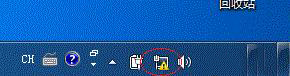
開機右下角網路圖示出現黃色驚嘆號、提示「無法識別網路」,可嘗試停用再啟用網卡驅動程式重置網路介面,解決識別問題。
操作步驟
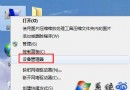
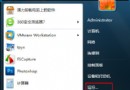
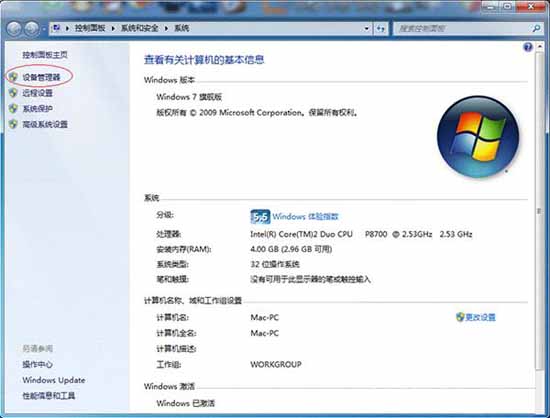
- Win+Break 開啟「系統」→「裝置管理員」。
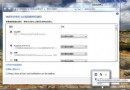
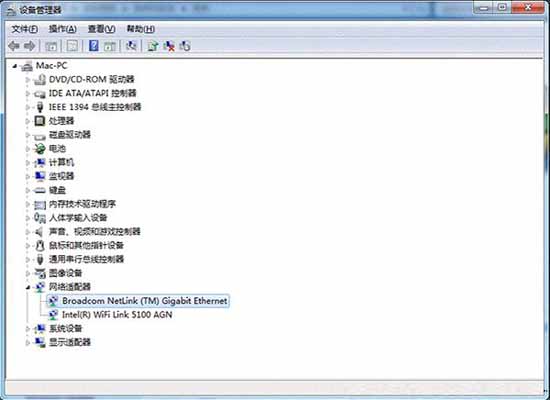
- 展開「網路介面卡」,找到對應網卡(如 Realtek PCIe GBE Family Controller)。
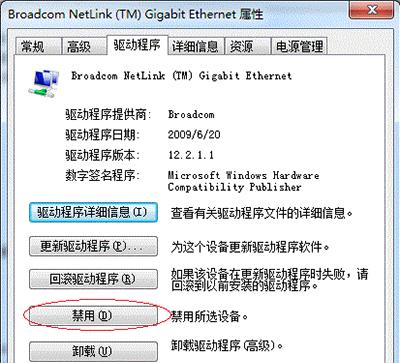
- 雙擊網卡→「驅動程式」頁籤→「停用裝置」→確定。
- 再次雙擊該網卡→「啟用裝置」。
(完整六大措施尚包含:重設 TCP/IP、檢查 DHCP 服務、更新網卡驅動、檢查實體連線、重設網路介面卡電源管理等,請參考完整教學。)