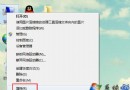
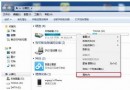
滑鼠速度過快或過慢影響操作,可透過「滑鼠屬性」→「指標選項」調整移動速度。
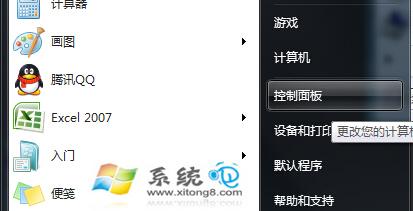
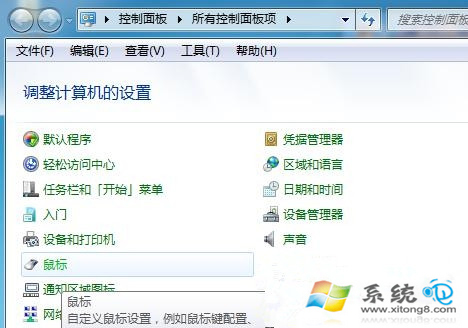
1. 「控制台」→切換「小圖示」檢視→點選「滑鼠」。
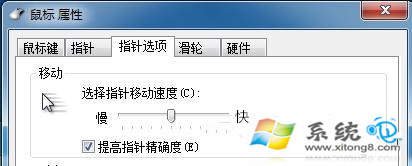
2. 在「指標選項」頁籤,拖曳「選取指標速度」滑桿至適中位置,按確定套用。
依個人習慣微調,獲得最舒適的滑鼠操作體驗。
Win7 讓工作列呈現透明玻璃效果(Aero Glass)
Windows 7 適用的兩款優質虛擬光驅:UltraISO 軟碟通與 SlySoft Virtual CloneDrive
專家評測:Windows 7 預設安全性不如 Vista?深度解析雙系統差異
Windows 7 靜態 ARP 設定與刪除指令速查:netsh interface ipv4 neighbor 命令
Windows 7 語言包安裝完整步驟教學
Win7 查看背景執行程式三大法:系統資訊、工作管理員、msinfo32
Windows 7 手寫數學公式神技:Windows Journal 配合數學輸入面板,手寫即轉標準公式
Win7 升級 IE10 後瀏覽器右側出現黑條?關閉 GPU 加速修復