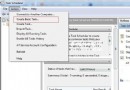
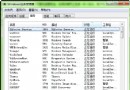
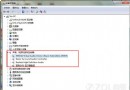
雙擊 .exe 檔跳出「這個檔案沒有與之關聯的程式來執行」?這是 .exe 檔案關聯遺失,匯入註冊檔修復登錄鍵值即可恢復。
notepad 開啟記事本。fix_exe.reg (副檔名必須為 .reg):Windows Registry Editor Version 5.00
[HKEY_CLASSES_ROOT\.exe]
@="exefile"
"Content Type"="application/x-msdownload"
[HKEY_CLASSES_ROOT\.exe\PersistentHandler]
@="{0910f2470-bae0-11cd-b579-010002b30bfeb}"
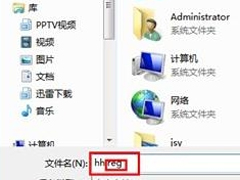
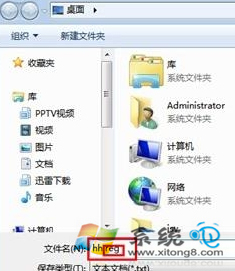
fix_exe.reg → 確認安全性警告選「是」 → 完成。原理:重寫 HKEY_CLASSES_ROOT\.exe 鍵值,恢復 .exe 預設關聯為 exefile。修復後 .exe 檔即可正常執行。若問題持續,建議全盤掃毒後再試。