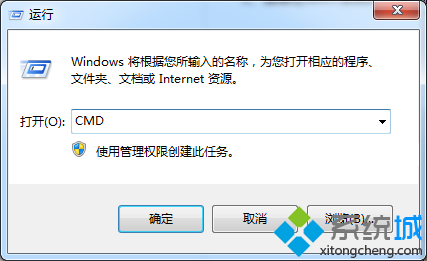
開機選單語言與系統不符,可透過 bcdedit 修正地區設定。
bcdedit 檢查 locale 是否為 zh-CN。bcdedit /set {current} locale zh-CN。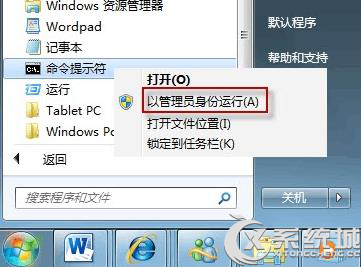
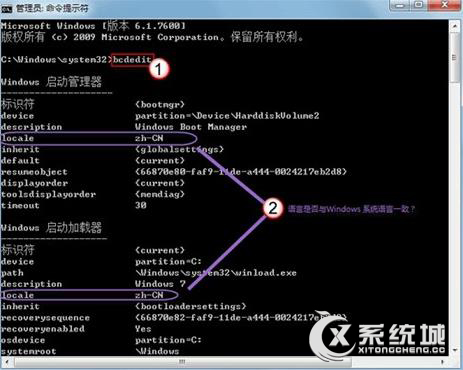
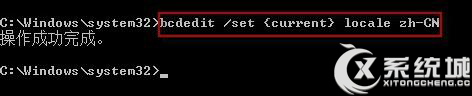
重新開機後開機選單即顯示正確中文介面。
Win8 IE10 相容性檢視修復網站顯示異常:F12 開發人員工具切換瀏覽模式
Windows 7 設定 Everyone 完全控制權限:資料夾共享與存取權圖文教學
Win7 檔案不在回收站也非永久刪除?回收站設定「不移至回收站」導致直接刪除
Win7 如何關閉 360 隨身 WiFi?禁用 ICS 服務與 USB 端口兩大法
Win7 繞過登入密碼/啟用 Administrator:修復模式替換 narrator.exe/sethc.exe 取得 SYSTEM 權限 CMD
筆記本螢幕切換至外接顯示器教學:Win+P 快捷鍵與 Fn 組合鍵詳解