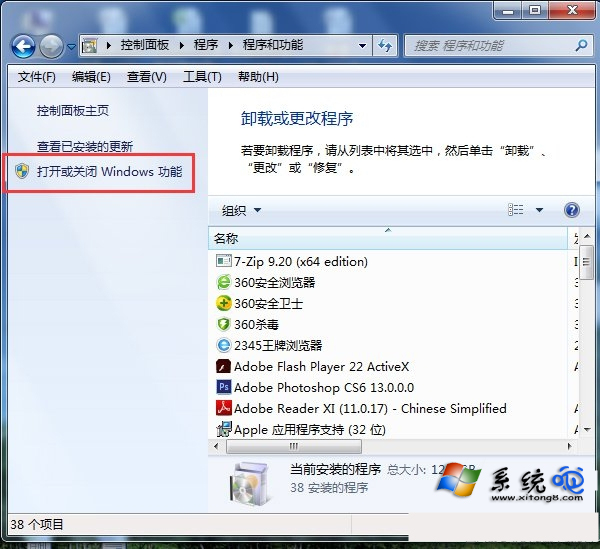
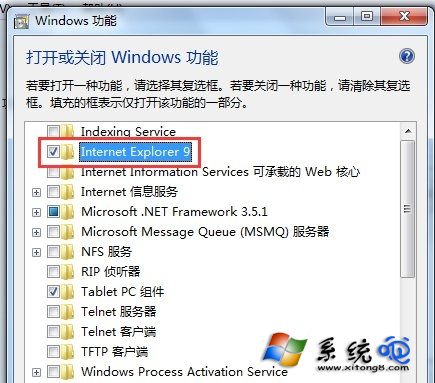
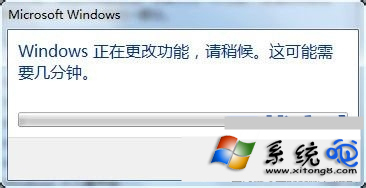
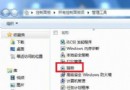
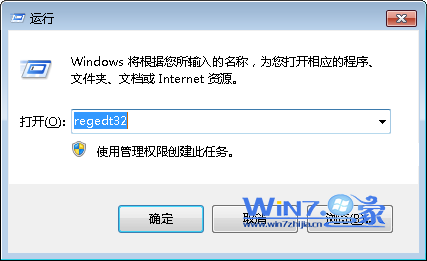
不使用 IE 瀏覽器想移除?Win7 透過「開啟或關閉 Windows 功能」即可解除安裝。
移除後系統不再包含 IE,部分需 IE 核心的軟體可能受影響,確認需求後再操作。
解決瀏覽器下載壓縮檔自動開啟不彈出儲存對話框 (Win7/Vista/XP)
Windows 7 六大安裝方法深度解析:光碟、虛擬光碟、硬碟、USB、軟體引導、VHD
Win7 看 GIF 動圖不動?兩招破解專利限制:瀏覽器開啟或裝 Image Viewer
Win7 IE8/IE9 憑證無法刪除?用 MMC 憑嵌入式管理單元強制移除
Win7瀏覽器點擊旺旺無法自動啟動阿里旺旺?指定瀏覽器路徑修復協議關聯
Win7 如何關閉智慧卡服務?群組原則停用四項智慧卡原則教學
Win7 電腦關閉智慧卡服務的方法
Win7 建立 VMware Workstation 虛擬機器完整圖文教學:從新建到掛載 ISO 啟動