撥號上網出現「錯誤 769」,通常代表網卡被停用、驅動異常或網路連線服務未執行。本文提供從淺入深的三階段排除流程。
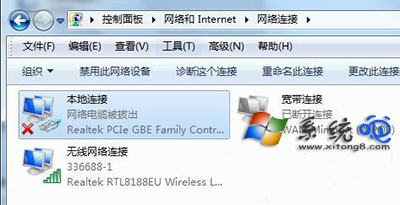
階段一:啟用網路介面卡
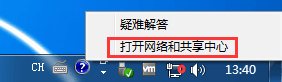
- 右鍵工作列網路圖示 →「開啟網路和共用中心」→「變更介面卡設定」。
- 找到「區域連線」或「乙太網路」,右鍵選擇「啟用」。
階段二:啟用網路連線服務
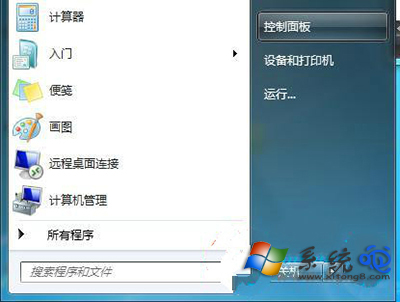
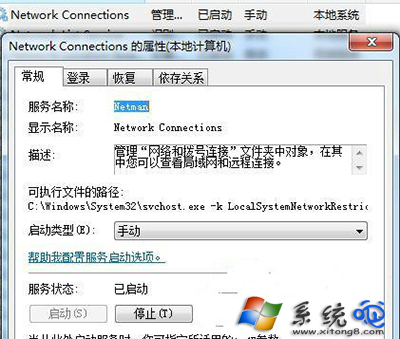
- 開啟「控制台」→「系統和安全性」→「系統管理工具」→「服務」。
- 找到 Network Connections,右鍵選擇「啟動」,並將啟動類型設為「自動」。
階段三:驅動與硬體檢查
- 若上述無效,至裝置管理員更新/重裝網卡驅動程式。
- 檢查網路線與 Modem/路由器指示燈,排除實體線路故障。
- 必要時執行
netsh int ip reset 重設 TCP/IP。
常見原因總結
網卡被誤停用 > 網路連線服務未執行 > 驅動損壞 > 實體線路問題。依序排查通常能解決 90% 情況。