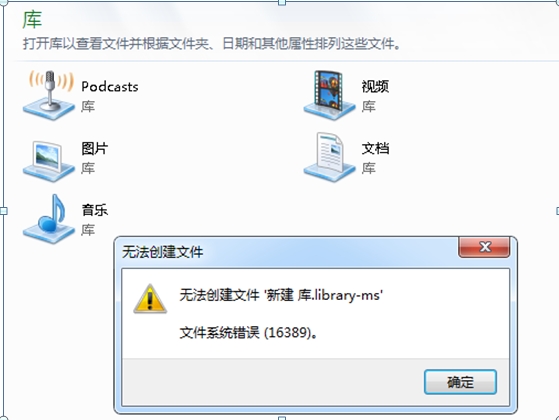
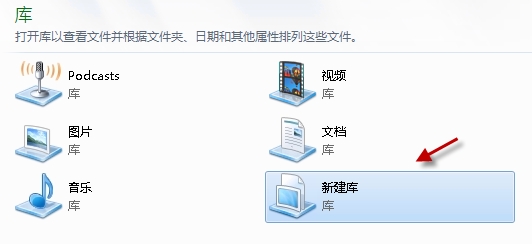
「無法建立檔案 '新建 程式庫.library-ms' 檔案系統錯誤 (16389)」
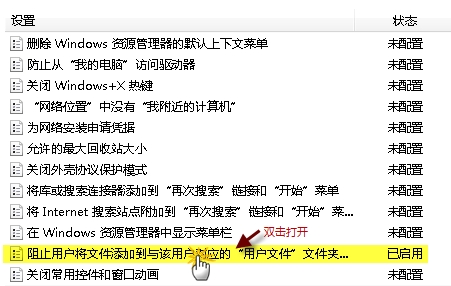
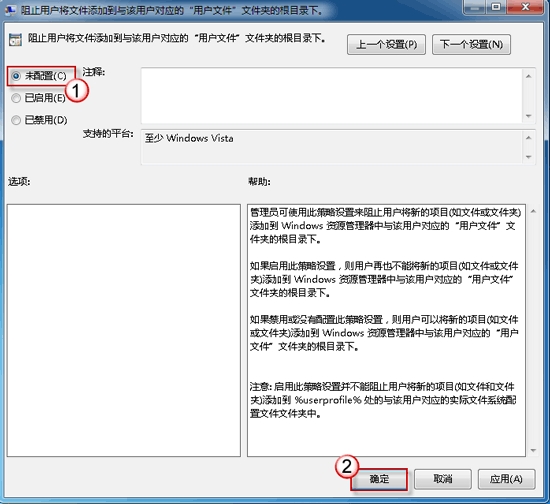
群組原則啟用了「阻止使用者將檔案新增到與該使用者對應的『使用者資料夾』資料夾的根目錄下」,導致無法在程式庫根目錄建立定義檔。
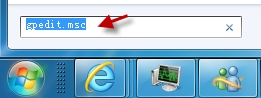
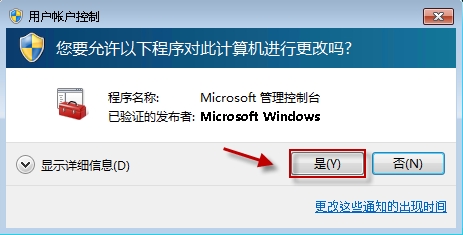
gpedit.msc
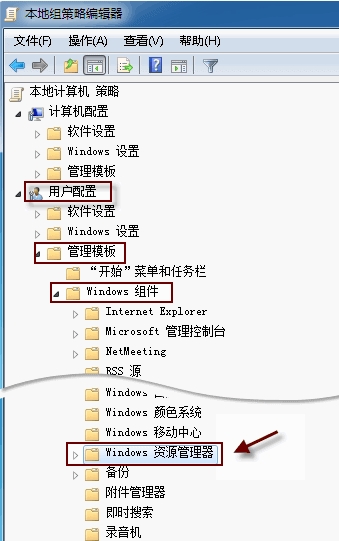
使用者設定 → 系統管理範本 → Windows 元件 → 檔案總管
Windows 7 聲卡驅動無法安裝?權限保護導致,一鍵修復工具可解決
移除 Windows 7 桌面捷徑小箭頭:登錄表兩鍵值刪除法
Windows 7 滑鼠右鍵選單整合「複製到/移動到資料夾」實作教學
Win7 隱藏神器:問題步驟記錄器 (psr.exe) 與螢幕色彩校正 (DCCW) 實戰教學
Win7「電腦管理」無法開啟?登錄表修復 Shell\Manage 指令
解決 Win7 無法建立系統還原點問題
加速 Windows 7 開機利器:Soluto 智慧分析啟動項,一鍵優化啟動速度
Windows 7 設定程式永以系統管理員身分執行