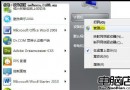
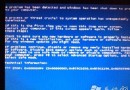
Windows 7 筆電在裝置管理員安裝藍牙驅動時失敗,常因系統目錄遺失 bth.inf(藍牙裝置安裝資訊檔)。解決方法是從 C:\Windows\System32\DriverStore\FileRepository 尋找對應架構的 bth.inf(如 bth.inf_amd64_neutral_...),複製至 C:\Windows\inf 後,再於裝置管理員重新掃描安裝驅動。
C:\Windows\inf 確認是否存在 bth.inf。C:\Windows\System32\DriverStore\FileRepository 搜尋 bth.inf*。bth.inf_amd64_neutral_... 或 bth.inf_x86_...),複製實際 .inf 檔案至 C:\Windows\inf。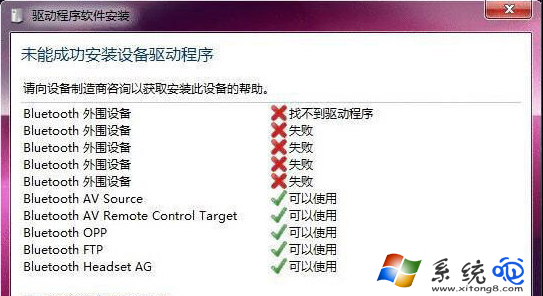
若手動操作困難,可直接下載最新版「驅動精靈」「駕駛人生」等工具,一鍵掃描修復藍牙驅動,成功率極高且省時。