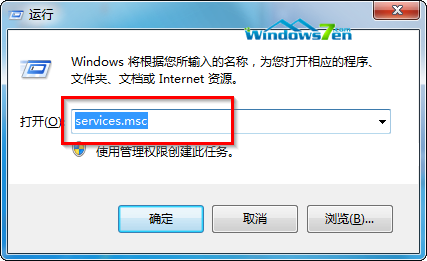
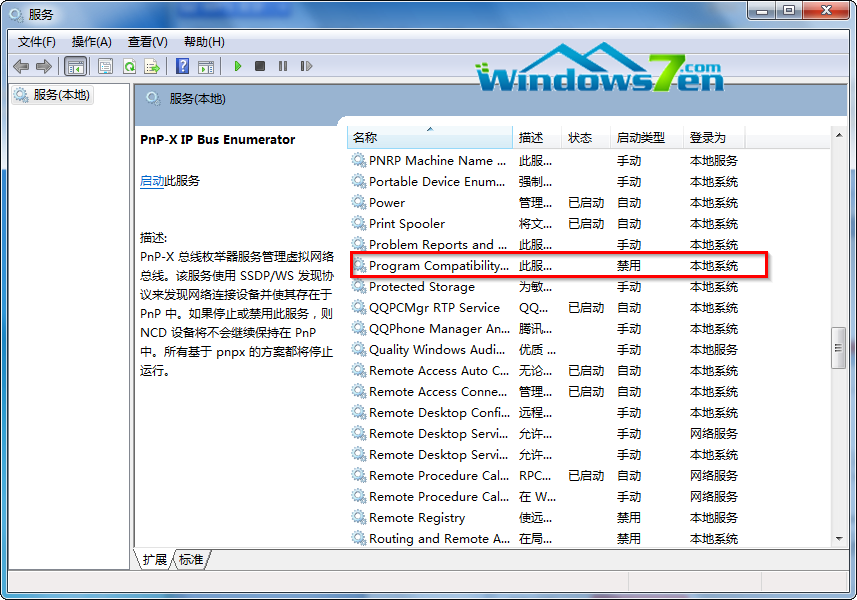
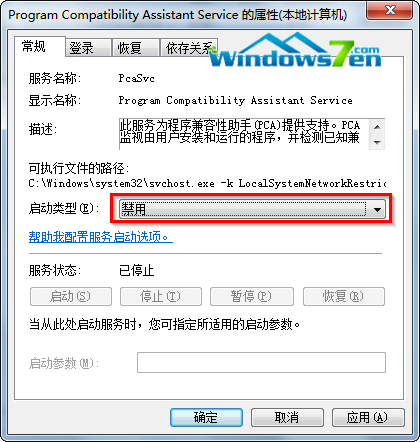
services.msc
適用於確認軟體相容無虞、厭煩頻繁彈窗的進階用戶。
Win7 硬碟分區名稱無法修改?登錄檔 DriveIcons 強制指定標籤
Win7 將螢幕保護程式當動態桌面牆紙:CMD 啟動 .scr 檔
Win7 一鍵關閉所有執行中程式:自建 taskkill 捷徑,下班關機/救援卡機神器
Windows 7 修改登錄表調大 TCP 視窗加速寬頻速度
Win7 任務列輸入法圖示不見了?五招快速找回語言列
Win7 如何快速查詢磁碟分區詳細資訊?磁碟管理工具教學
Windows 7 進階搜尋技巧:自然語言、數字範圍、自訂開啟位置
關閉 Win7 視窗自動對齊(Aero Snap):透過「輕鬆存取中心」停用滑鼠邊緣吸附