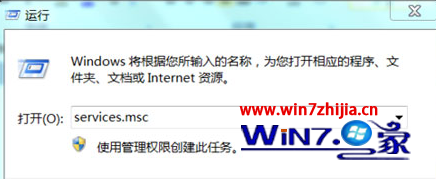
Wubi 安裝的 Ubuntu 啟動檔 wubildr、wubildr.mbr 位於 C 槽根目錄。重灌 Win7 後 BCD 遺失 Ubuntu 項目,需手動重建。
wubildr、wubildr.mbr 複製到 C:\ 根目錄。bcdedit /create /d "Ubuntu" /application bootsector → 記錄回傳的 GUID(如 {dbff544b-...})。{id} 替換為實際 GUID):bcdedit /set {id} device partition=c:bcdedit /set {id} path wubildr.mbrbcdedit /set {id} description "Ubuntu"bcdedit /displayorder {id} /addlast
重開機後啟動選單即出現 Ubuntu 選項,進入 Wubi 環境。