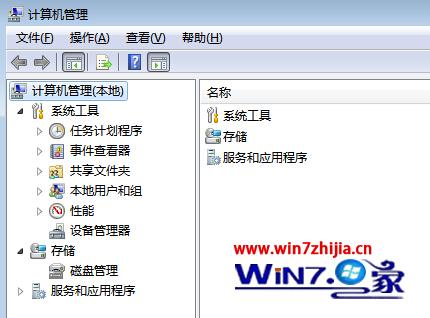
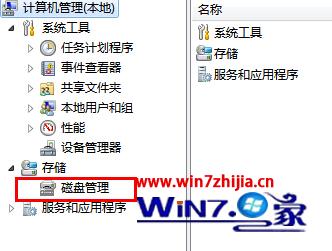
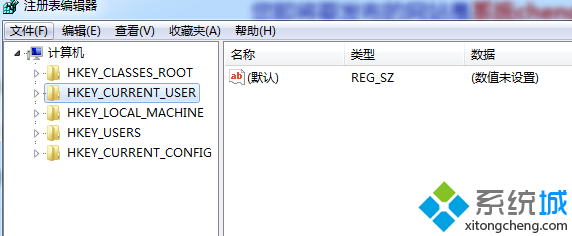
完成後 USB 即穩定顯示於總管,不再因代號衝突而隱形。
Windows 7 與 XP 局域網互訪完整設定指南:從工作群組到防火牆的逐步排查
PC 廠商清 Win7 庫存導致 Win8 銷售冷颳:微軟預期寒促扭轉局勢
Win7 開機藍屏或「登錄程序初始化失敗」:金山軟體衝突 KB2839229 修復方案
電腦定時開機怎麼設定?Windows 7 BIOS 設定完整教學
Windows 7 檔案共用失敗完整排除指南:從網路設定到防火牆逐層檢查
關閉 Windows 7 錯誤報告彈出視窗的登錄修改法
Win7 桌面圖示只顯示圖示不顯示文字?資料夾選項隱藏副檔名 + 字元對應表重命名空白字元
Windows 7 運行 Firefox 3 與 IE8 顯著加速,Firefox 3.5 略微變慢