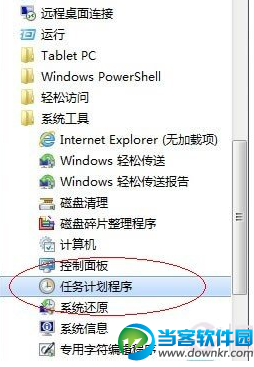
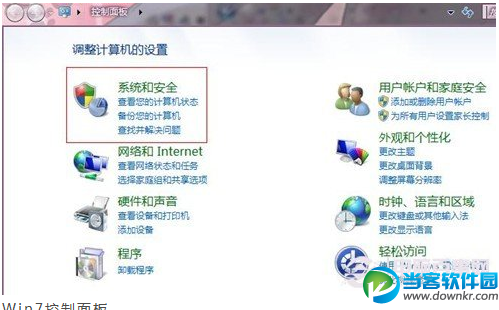
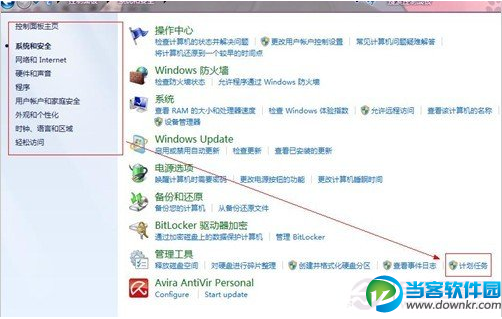
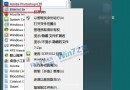
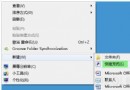
「開始」→「所有程式」→「附件」→「系統工具」→「任務排程器」。
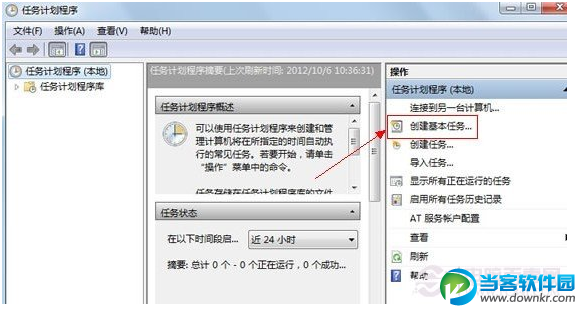
開啟後可見「任務排程器程式庫」、「任務狀態」等區域,右側「動作」面板提供「建立基本工作」、「建立工作」、「匯入工作」等功能。
shutdown.exe /s /t 0
任務排程器是 Win7 內建自動化利器,善用可大幅減少人工重複操作。
Win7 安全模式完整指南:進入方法、九大實戰用途、疑難排解利器
Win7筆記本睡眠喚醒黑屏無法恢復?完整排查與修復指南
XP 功成身退,Windows 7 登上舞台主角:外觀、主題、市場地位全面解析
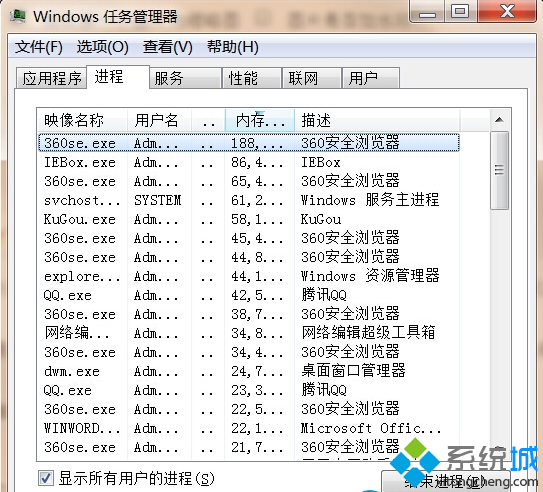
Win7 一鍵關閉所有執行中程式:自建 taskkill 捷徑,下班關機/救援卡機神器
Windows 7 四大安全利器:家長控制、UAC 滑桿、BitLocker 加密、進階防火牆
Win7 無法建立資料庫錯誤 16389 解決辦法
Win7 兩步驟修改總管預設開啟位置:從「程式庫」改為「電腦」
Windows 7 網頁二級連結點擊後空白?註冊系統 DLL 修復 IE 殼瀏覽器