Windows XP Windows 7 Windows 2003 Windows Vista Windows 綜合教學 Linux 系統教學
Windows 10 Windows 8 Windows 2008 Windows NT Windows Server 電腦軟體教學

Win7 誤刪 iertutil.dll 導致系統異常?從 DLL 快取還原修復

編輯:Windows 7 系統介紹

iertutil.dll 是 IE 核心元件,誤刪會導致瀏覽器無法開啟或系統報錯。可透過任務管理器啟動命令提示字元,從 C:\Windows\System32\dllcache 複製回 System32 修復。
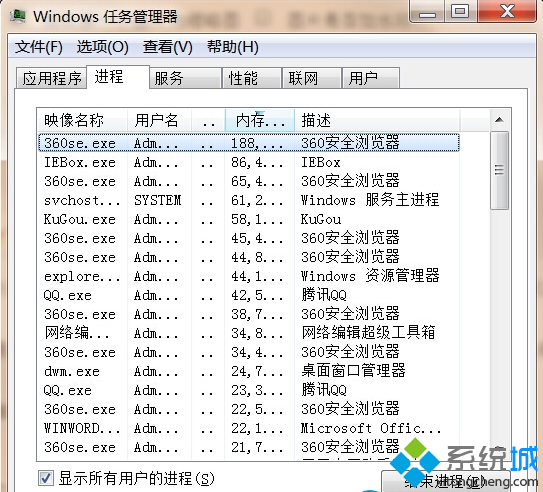
修復步驟

  1. 右鍵工作列 →「工作管理員」(或 Ctrl+Shift+Esc)。
工作管理員
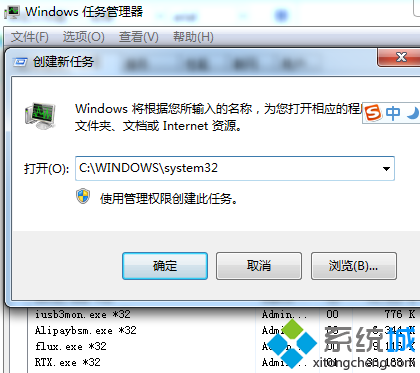
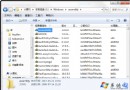
  1. 工作管理員「檔案」→「新增工作」→ 輸入 C:\WINDOWS\system32 → 確定(開啟資料夾)。
新增工作
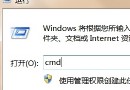
  1. 同樣方式開啟命令提示字元(輸入 cmd)。
  2. CMD 中依序執行:
cd C:\Windows\System32\dllcache
copy iertutil.dll C:\Windows\System32
  1. 重新開機,IE 應恢復正常。
若 dllcache 中也無該檔,需從系統安裝光碟 i386 目錄展開(expand iertutil.dl_ C:\Windows\System32\iertutil.dll)或執行 sfc /scannow 修復系統檔案。
Copyright © Windows教程網 All Rights Reserved