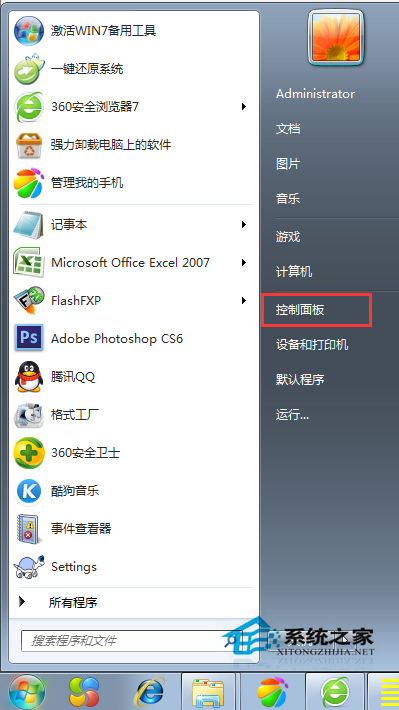
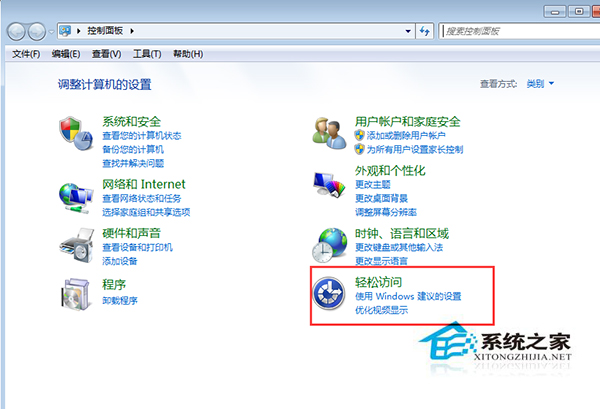
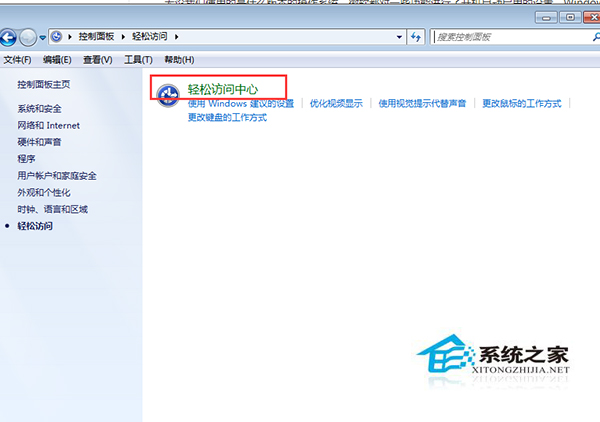
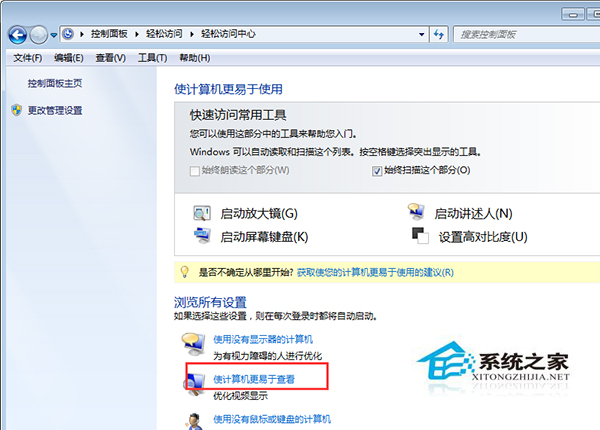
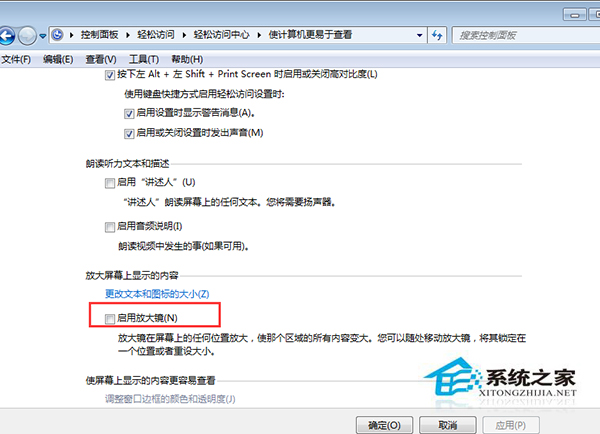
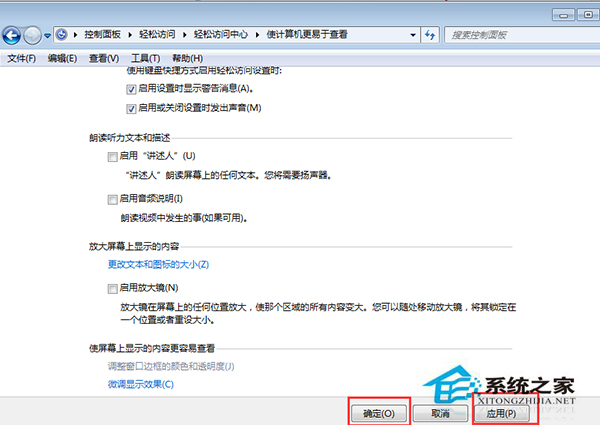
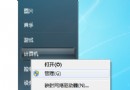
Win7 「輕鬆存取中心」預設可能啟用放大鏡隨開機自動執行,佔用資源且干擾操作。透過設定介面即可停用。
同樣方法可關閉其他不需的自動啟動協助工具。
Win7 安裝軟體報 Error 1935?登錄檔 RegistrySizeLimit 改 0xFFFFFFFF 解決
Win7 視窗跑到螢幕外無法拉回?一鍵修復多螢幕設定錯誤
Hack in the Box 大會前瞻:Windows 7 64 位元與 Mac OS X 核心級 DMA 漏洞難修補
Win7 開機選單移除多餘啟動項:msconfig 三步驟清理
Win7 刪除頑固 System Volume Information 資料夾:關閉系統還原+取得權限
Win7 升級 PP 助手後提示「初始化資料庫失敗」?兩種方法修復我的文件資料夾路徑
Win7 記事本快速插入當前時間:.LOG 技巧 或 F5 快捷鍵,輸入法更強大
修復 Win7 資源管理器「收藏夾」無法展開問題:登錄表補回 IsShortcut 字串值