此錯誤通常表示開機配置資料 (BCD) 損壞或驅動程式簽章驗證失敗,需使用 Windows 安裝光碟修復。
1. 插入 Windows 7 安裝光碟(或 USB 開機碟),重新開機由光碟啟動。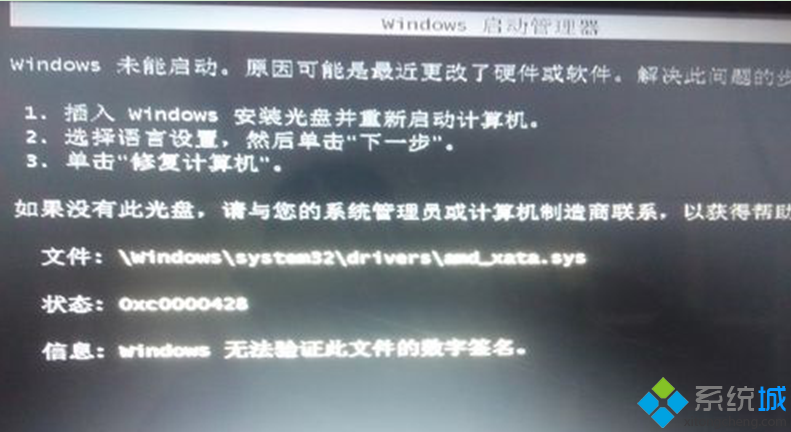
2. 選擇語言、時間格式、鍵盤配置,點擊「下一步」。
3. 點擊左下角「修復您的電腦」,進入系統修復選項,選擇「啟動修復」自動修復 BCD 與開機檔案。
若自動修復失敗,可在命令提示字元手動執行 bootrec /fixmbr、bootrec /fixboot、bootrec /rebuildbcd 重建開機配置。