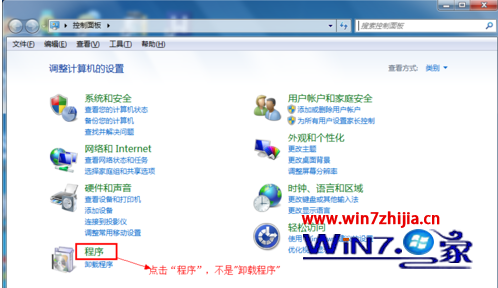
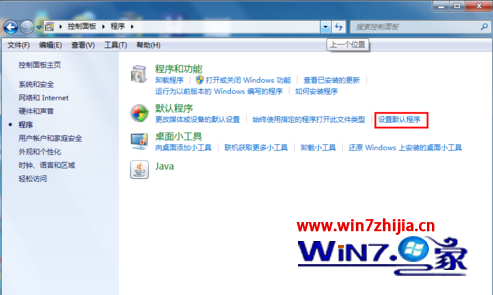
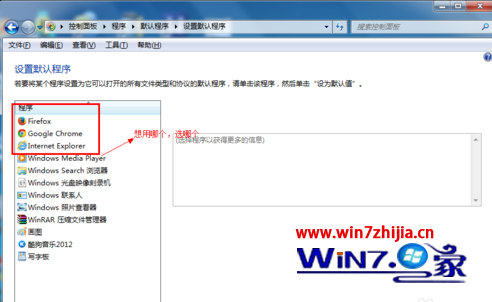
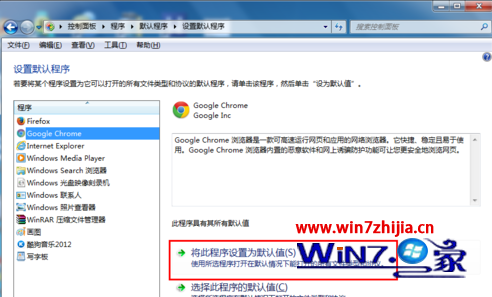
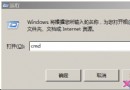
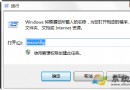
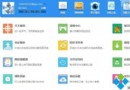
完成後,所有 HTTP/HTTPS 連結、HTML 檔案將自動使用指定瀏覽器開啟。
Windows 7 系統托盤區改進:圖示自動收納、行動中心旗標、顯示桌面移至最右側
Windows 7 指定處理器親和性:讓特定程式只在指定 CPU 核心執行
Win7 無線網路錯誤「無法啟動 wireless pan dhcp server」完整解決方案
Win7 瀏覽網頁彈出「找不到伺服器」?手動設定 IP 與 DNS 解決 DNS 解析失效
Win7 系統服務精簡指南:禁用 20 項服務大幅加速開機
Windows 7 任務列通知區域圖示消失?自訂顯示/隱藏完整教學
Microsoft Deployment Toolkit 2010 Beta:輕觸式安裝 Windows 7/Server 2008 R2 完整指南
深入解析 Windows 7 VHD 虛擬硬碟:定義、用途與三大類型(固定、動態、差異)完整比較