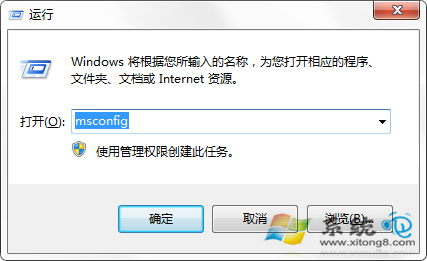
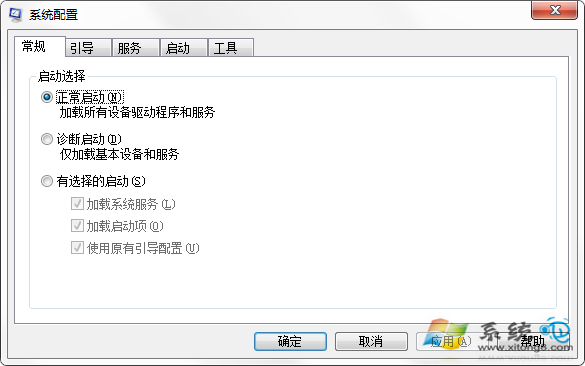
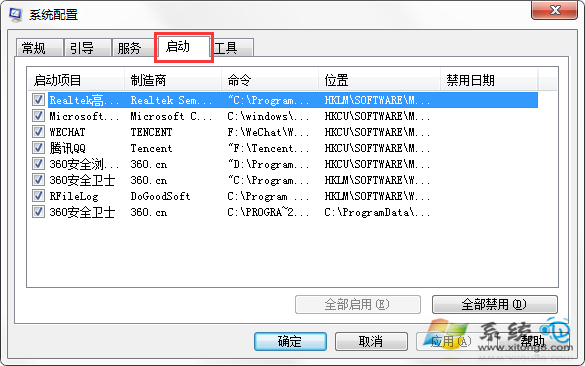
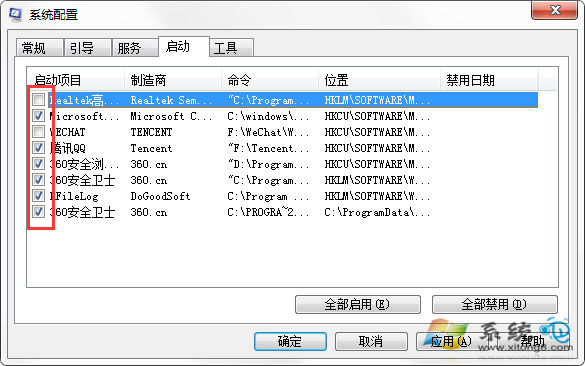
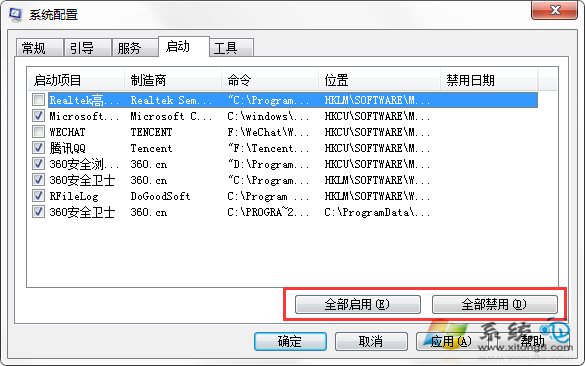
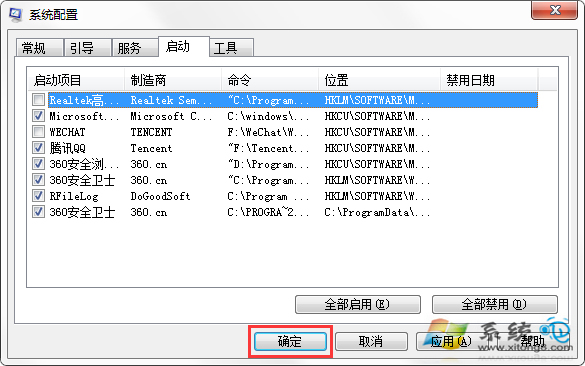
想知道開機自動執行哪些程式?用 msconfig 指令開啟系統設定工具即可查看與管理啟動項。
msconfig
安裝 360 安全衛士等工具也可在「優化加速」中管理啟動項。
番茄花園 Win7 無法線上聽歌怎麼辦?手動排查網路與 IE 快取、騰訊電腦管家一鍵修復
去除 Win7 捷徑小箭頭正確法:用透明 ICO 覆蓋 避免副作用
Win7 解決軟體不相容:相容性疑難排解自動修復與手動設定相容模式
Windows 7 如何取得檔案或資料夾的管理員權限
Windows 7 瀏覽器市佔率分析:IE11 領軍、Chrome 穩增、Firefox 29 強勢切入
用 Win7 審核原則監控程式執行記錄:誰動了我的電腦?QQ、下載軟體、遊戲全留痕
為 Windows 7 右鍵選單新增「加密」按鈕:一鍵啟用 BitLocker To Go
Win7 旗艦版鑑別原版與精簡版系統技巧