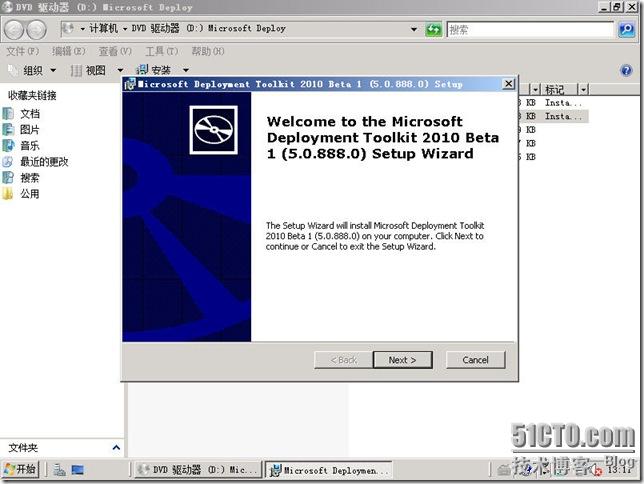
MDT 2010 Beta 1 新增支援 Windows 7 Beta、Server 2008 R2 Beta 部署,整合 Windows AIK 2.0、USMT 4.0、DISM 工具、WinPE 3.0、BCD 管理,並引入硬連結移轉與磁碟分區新預設,大幅簡化企業級大量部署流程。
主要新功能
- 支援 Windows 7 / Server 2008 R2 Beta 部署。
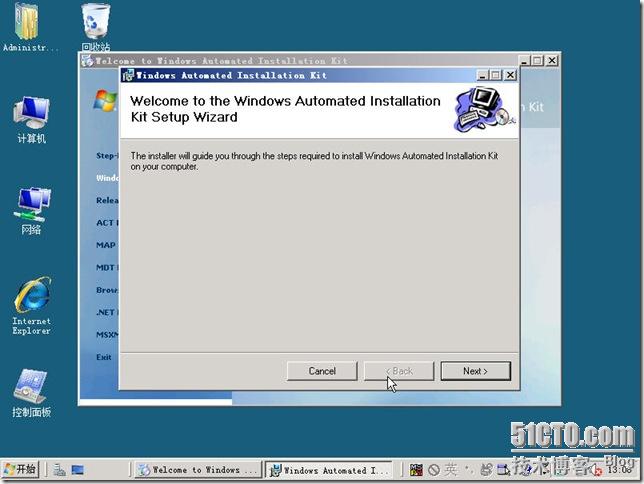
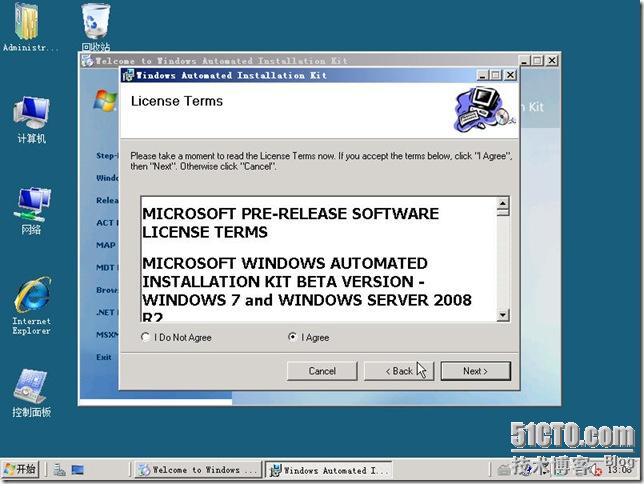
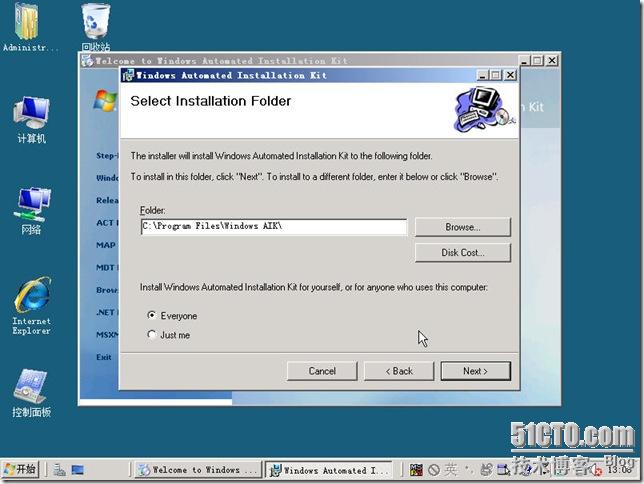
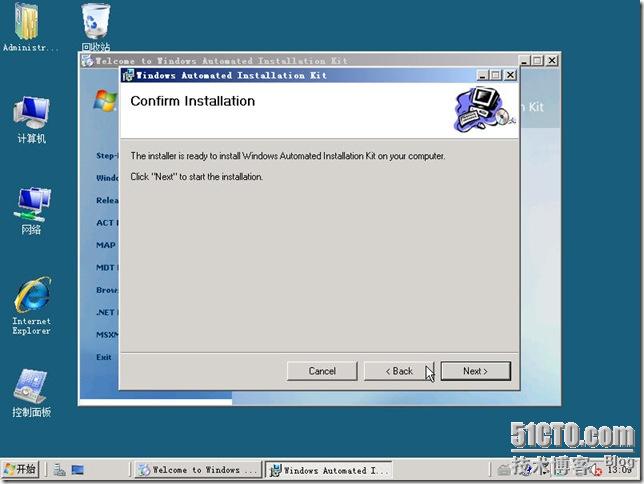
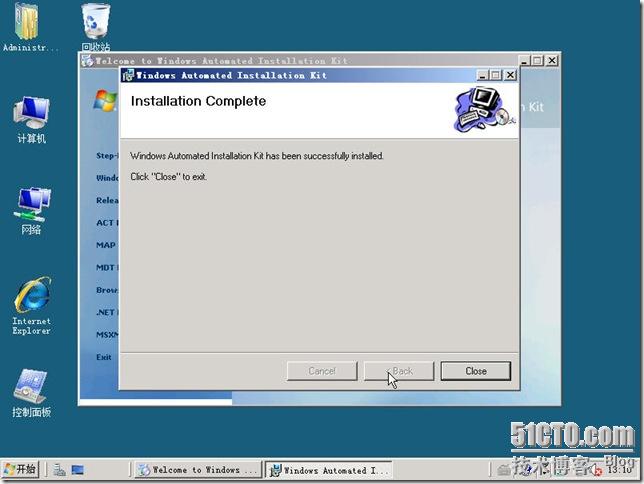
- 需要 Windows AIK 2.0 (含 WinPE 3.0、DISM)。
- USMT 4.0 硬連結移轉:使用者資料不移動磁碟位置,重建連結,移轉速度大幅提升。
- USMT 4.0 磁碟陰影複製:備份使用中檔案。
- DISM 取代 pkgmgr/intlcfg/peimg 等舊工具,統一離線映像服務、掛載/卸載 WIM、客製化 WinPE。
- BCDEdit 管理開機配置,取代 BdeHdCfg。
- Windows 7 預設磁碟分區:系統保留分區 (磁碟 0 分區 1) + OS 分區 (磁碟 0 分區 2),支援 BitLocker。
移除功能
環境與操作
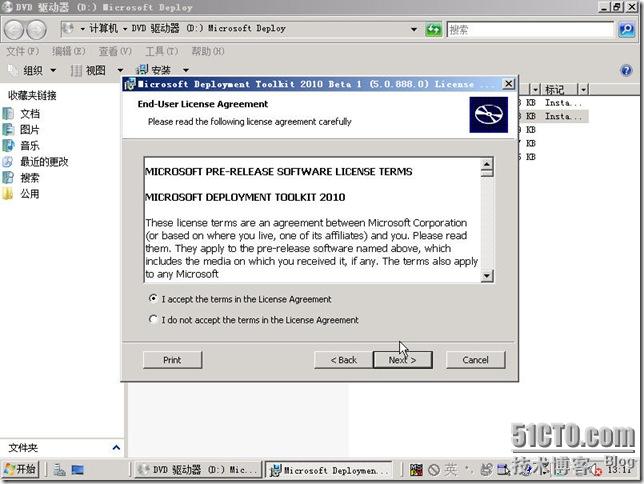
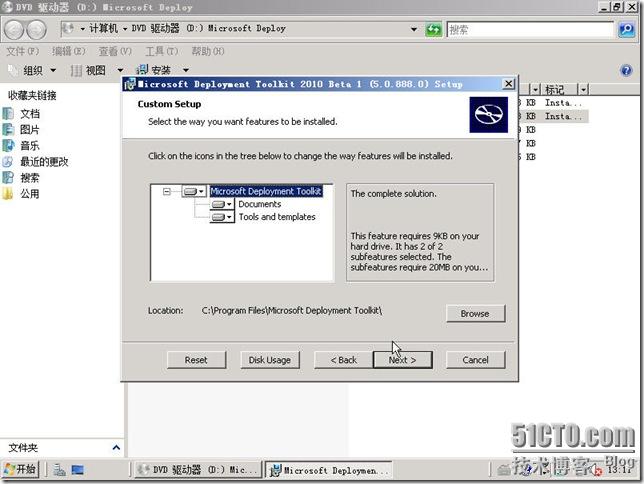
測試環境:單台 Win2008 (DC+DHCP+DNS+MDT2010+WAIK)。透過「Deployment Workbench」建立部署共用、匯入作業系統、建立任務序列、產生啟動映像、啟用 PXE/媒體部署,全程圖形化操作。
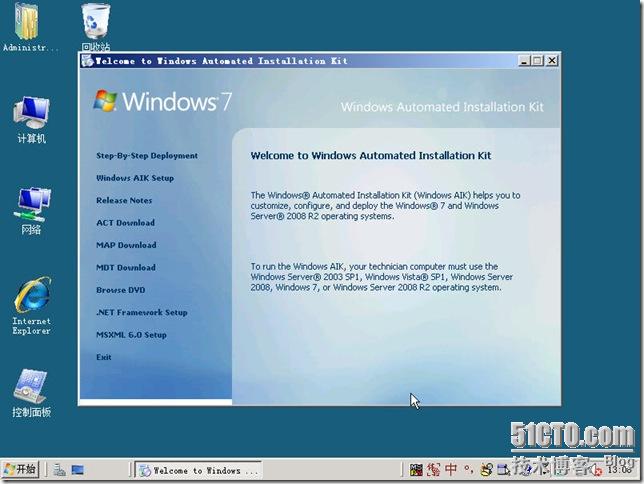
MDT 2010 為企業導入 Windows 7 提供成熟、自動化、可擴充的部署框架。