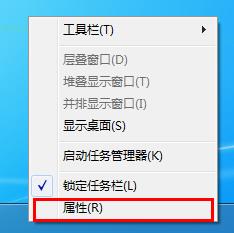
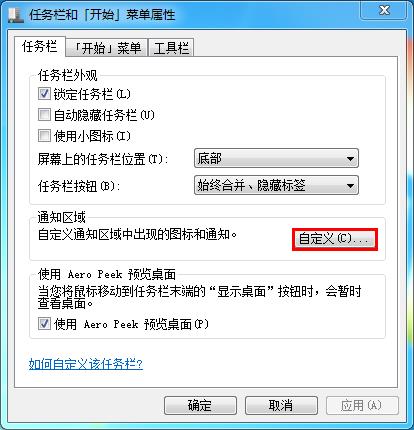
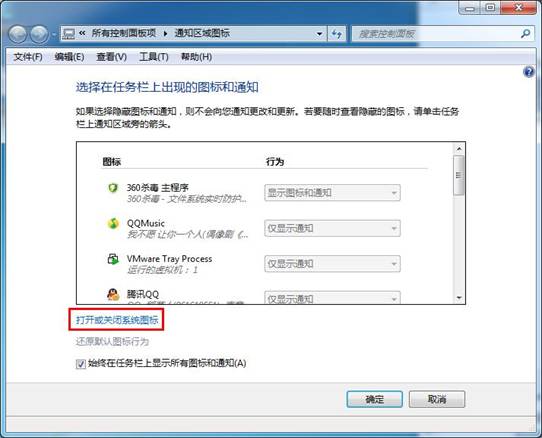
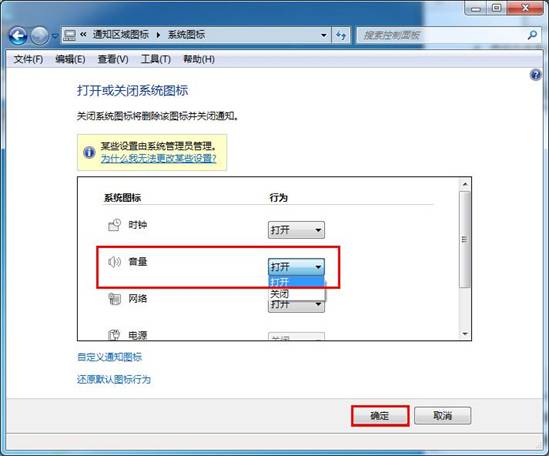
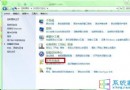
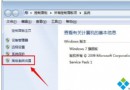
Win7 右下角音量小喇叭圖示不見了?透過任務列屬性自訂通知區域,啟用系統音量圖示即可找回。
替代方案:若上述無效,按 Ctrl+Shift+Esc 開啟工作管理員,結束 explorer.exe 程序,再「檔案」→「執行新工作」輸入 explorer.exe 重啟殼層,圖示通常會恢復。
explorer.exe
微軟聯手車廠推 Windows 7 專屬主題包:賓利、保時捷、法拉利、杜卡迪首發
Win7 耳機/耳麥沒聲音?六大排查步驟從硬體到驅動逐步解決
Win7 程式庫功能全攻略:讓凌亂檔案秒變有序資產
EMC VNXe系列存儲NL-SAS硬盤擴容必須遵循6的倍數規則
MiniBin:將回收站縮至工作列通知區,極簡桌面必備小工具
驅動人生解決 Windows 7 聲卡安裝失敗:權限保護導致無法寫入
Win7 畫圖工具隱藏看圖神技:縮放、標尺、放大鏡、全螢幕全攻略
微軟 Windows 7 USB/DVD 工具被指使用開源代碼