雙擊 .exe 檔案卻彈出「開啟方式」選單、或以記事本開啟,檔案關聯遭破壞 (常因病毒、優化軟體誤改)。匯入登錄檔修復 HKEY_CLASSES_ROOT\.exe 關聯即可恢復正常執行。
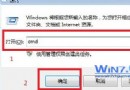
notepad 開啟記事本。Windows Registry Editor Version 5.00
[HKEY_CLASSES_ROOT\.exe]
@="exefile"
"Content Type"="application/x-msdownload"
[HKEY_CLASSES_ROOT\.exe\PersistentHandler]
@="{098f2470-bae0-11cd-b579-08002b30bfeb}"
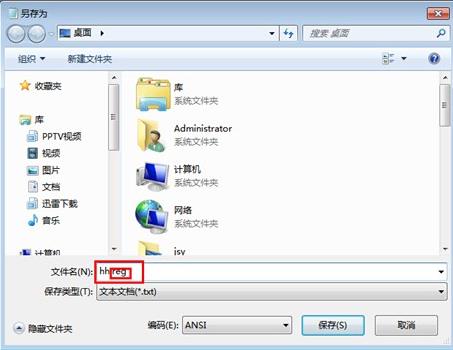
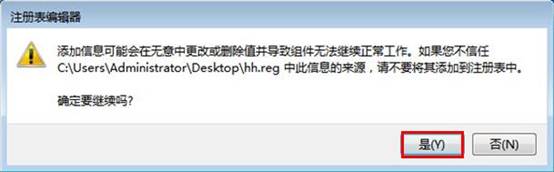
fix_exe.reg (編碼 ANSI) → 雙擊匯入 → 是 → 確定。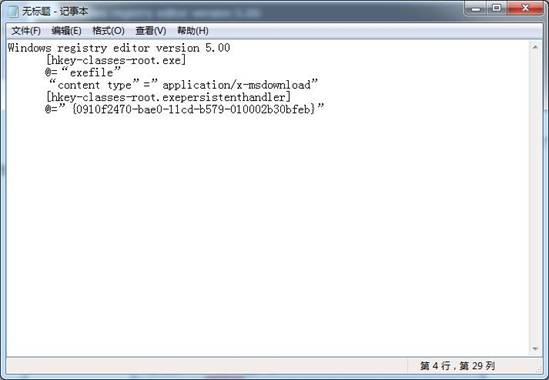
若 exefile 子機碼也受損,可同樣匯入完整 exefile 定義 (含 shell\open\command 等),或從同版本正常電腦匯出對應分支導入。