不想手動逐項停用啟動項?建立一個批次檔 (.bat) 執行登錄檔指令,一鍵清空 Run、RunOnce 等啟動登錄鍵,並保留必要的輸入法 (ctfmon.exe) 與系統核心啟動項,開機秒開。
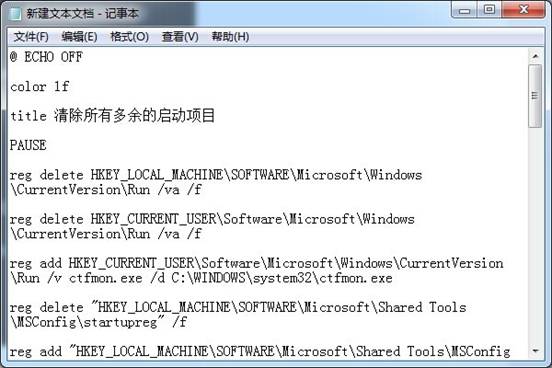
@ECHO OFF
color 1f
title 清除所有多餘的啟動項目
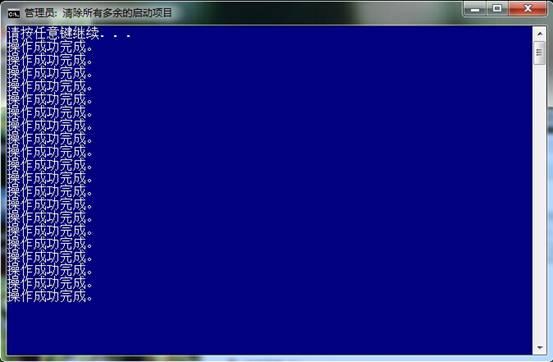
PAUSE
reg delete HKLM\SOFTWARE\Microsoft\Windows\CurrentVersion\Run /va /f
reg delete HKCU\SOFTWARE\Microsoft\Windows\CurrentVersion\Run /va /f
reg add HKCU\SOFTWARE\Microsoft\Windows\CurrentVersion\Run /v ctfmon.exe /d "C:\Windows\System32\ctfmon.exe" /f
reg delete "HKLM\SOFTWARE\Microsoft\Shared Tools\MSConfig\startupreg" /f
rem 以下重新建立必要的輸入法相關啟動項 (視系統語言環境調整)
reg add "HKLM\SOFTWARE\Microsoft\Shared Tools\MSConfig\startupreg\IMJPMIG8.1" /v command /d "\"C:\Windows\IME\imjp8_1\IMJPMIG.EXE\" /Spoil /RemAdvDef /Migration32" /f
... (其餘 IMJPMIG8.1、PHIME2002A、PHIME2002ASync 相關鍵值)
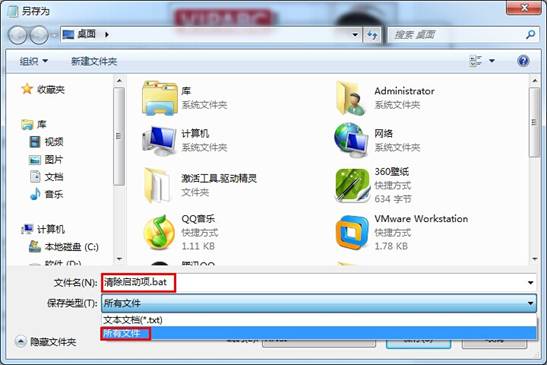
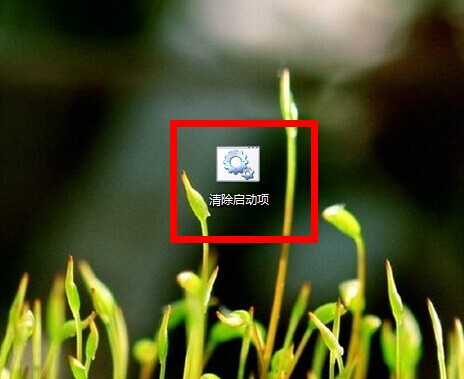
清除啟動項.bat (編碼 ANSI)。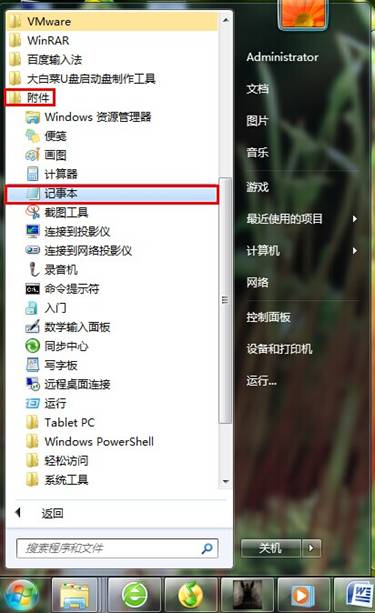
HKLM\...\Run 與 HKCU\...\Run 分支。Windows 7 徹底移除 IE8:透過「開啟或關閉 Windows 功能」
微軟副總裁 Mike Nash 買盜版研究、跑中國 8 次,推動 Windows 7 中國定價全球最低
Win7 休眠喚醒後網路斷線?兩招解決:拉長睡眠時間、禁用網卡省電
Windows 命令列高效修改註冊表:reg add 參數詳解與實戰範例
Win+Tab 3D Flip 視窗切換:Aero 炫酷體驗,Alt+Tab 經典備選
Win7 任務列空間不夠?Bins 工具分組圖示釋放 4 倍空間
Win7 螢幕截圖快捷鍵大全:PrintScreen 全螢幕、Alt+PrintScreen 視窗、Win+Shift+S 區域 (Win10+)、QQ 截圖