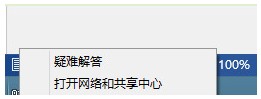
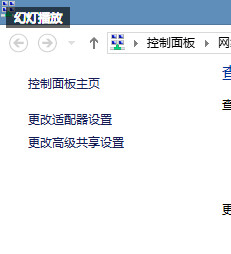
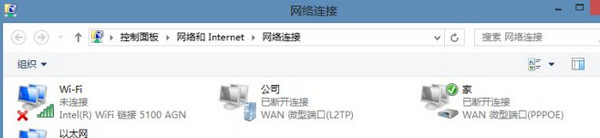
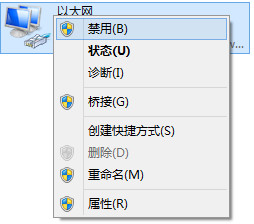
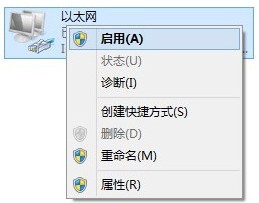
Windows 7 突然無法上網,多因網路介面卡狀態異常。重置連線通常即可恢復:
此法適用於有線與無線網路,原理是強制重新協商 IP 位址與重設網路堆疊。若無效,嘗試重新開機路由器/Modem 或更新網卡驅動。
Windows 7 內建虛擬 Wi-Fi 熱點完整設定:指令建立 + ICS 共享 + 靜態 IP 進階技巧
Win7 視窗開啟/關閉動畫效果消失?效能選項啟用「動態顯示視窗」恢復
Windows 7 前置音源孔無聲音?Realtek 音訊管理員一鍵修復
Win7 32位系統無法複製貼上?掃毒、磁碟清理、chkdsk 三步修復
Windows 7 小鍵盤 NumLock 失效無法輸入數字?啟用螢幕鍵盤選項修復
Win7 旗艦版關閉遠端桌面功能提升安全性
打造專屬 Windows 7 媒體中心:添加程式、擴充格式、隱藏無用功能
Win7 解決影片雙語聲道重疊:調整喇叭平衡單聲道輸出