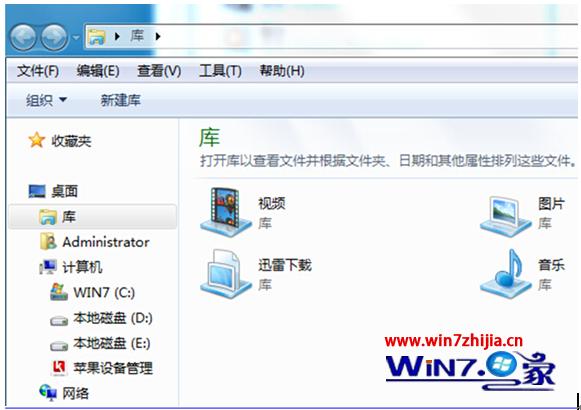
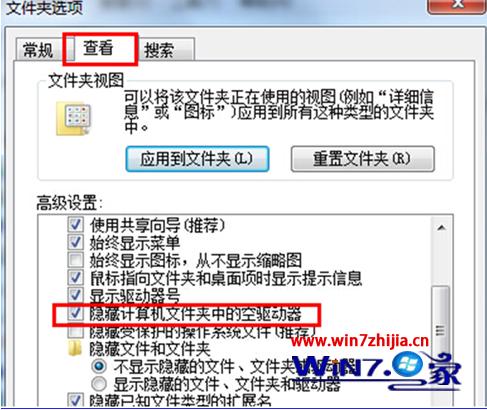
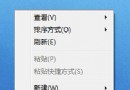
筆電插入 USB 隨身碟/硬碟,系統無反應、檔案總管不顯示磁碟機代號。多因「隱藏空磁碟機」選項導致。解決方法:
設定完成後,插入 USB 裝置即會正常顯示磁碟機代號並可存取。
Win7 路由器設定正確卻無法上網?完整排除流程
Win7 建立隱藏帳號 (Shadow Account) 進階技巧
Windows 7 關閉螢幕自動鎖定/睡眠設定教學
Windows 7 SP1 Beta 1 年底完成 明年年中推 RTM
Win7 電腦沒聲音?音量合成器檢查裝置 / 切換播放裝置 / 驅動大師修復驅動三步驟
Win7 移除 Bonjour 服務:解決網路誤判、IP 衝突與多重網路問題
Windows 7 如何查看 IP 位址?三種快速查詢法
Win7 裝置管理員攝影機顯示黃驚嘆號 驅動安裝提示登錄錯誤?刪除 UpperFilters 登錄值即可修復