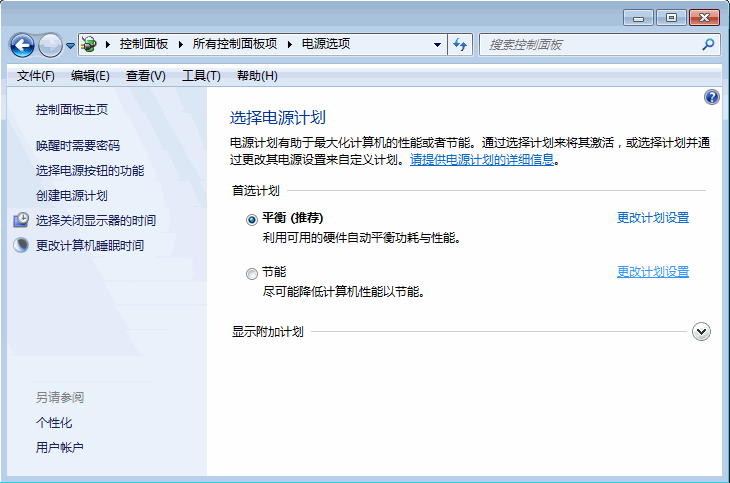
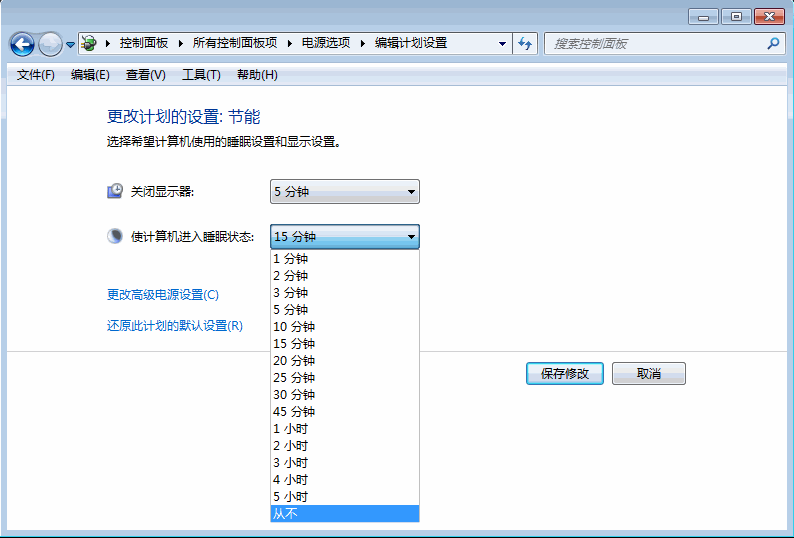
此設定可防止螢幕自動關閉與電腦進入睡眠,適合長時間下載、遠端連線或播放媒體時使用。若需節電,建議改設定較長的閒置時間而非「永不」。
Win7 任務列自由移動:上、左、右任意停靠,打造專屬桌面佈局
Windows 7 批次重新命名照片:Ctrl+A 全選 + F2 秒完成
Win7 旗艦版切換雙顯卡時黑畫面?重啟關閉高負載程序或更新顯卡驅動
Win7 徹底刪除頑固殘留檔案批次檔教學
Win7 定時關機設定教學:任務排程器建立自動關機任務
Windows 7 工作列通知區域圖示顯示/隱藏完整設定指南
微軟授權機制:合法免費使用 Windows 7 360 天(重置試用期 11 次)
Win7 系統播放 MKV 高清影片:修改 DirectShow 優選解碼器登錄表