Windows XP Windows 7 Windows 2003 Windows Vista Windows 綜合教學 Linux 系統教學
Windows 10 Windows 8 Windows 2008 Windows NT Windows Server 電腦軟體教學

Win7 TTF 字型檔雙擊打不開?註冊表修復 .ttf 關聯與 ttffile 類別定義

編輯:Windows 7 系統介紹

雙擊 .ttf 檔跳出「找不到關聯程式」?註冊表 .ttf 與 ttffile 類別定義損壞。對照正常電腦匯出/匯入註冊表分支即可修復。

  1. Win+R → regedit。
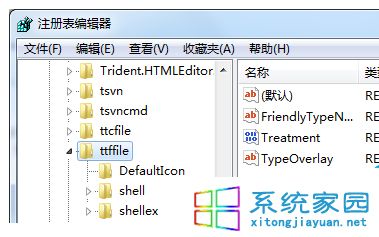
  2. 檢查 HKEY_CLASSES_ROOT\.ttf 預設值是否為 ttffile。
  3. 檢查 HKEY_CLASSES_ROOT\ttffile 結構(Shell\Open\Command 指向 fontview.exe "%1" 等)是否完整。
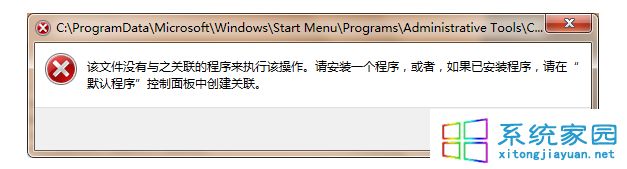
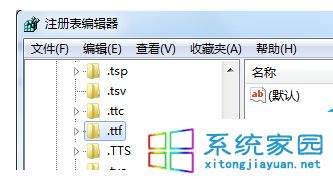
  4. 若損壞,正常電腦同路徑右鍵「匯出」→ 複製 .reg 到問題電腦雙擊匯入 → 重開機。
TTF 關聯錯誤 .ttf 註冊表 ttffile 類別

替代安裝法:控制台 →「字型」→「檔案」→「安裝新字型」→ 瀏覽選取 .ttf 檔安裝,繞過關聯問題直接安裝至系統字型庫。

Copyright © Windows教程網 All Rights Reserved