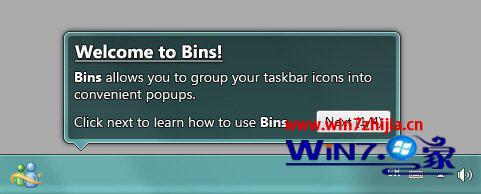
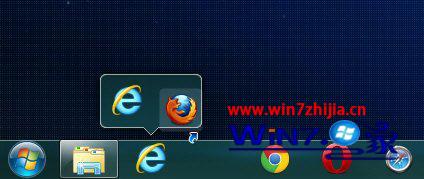
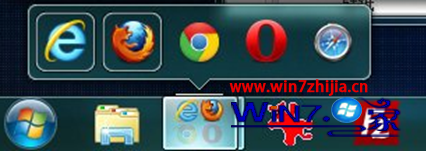
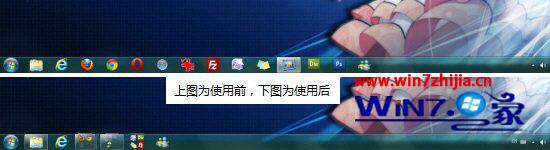
Bins 免費工具可將工作列圖示拖曳疊加分組,類似手機資料夾功能,大幅節省工作列空間,支援無限分組數量與預覽合併。
操作直覺,適合常開多程式的使用者。
Win7/Vista ReadyBoost 將 USB 隨身碟變虛擬記憶體:需求規格與啟用步驟
Windows 7 版本完整比較:Starter、Home Basic、Home Premium、Professional、Enterprise、Ultimate 差異一覽表
Win7 如何更換配色方案/主題?個人化設定完整教學
Windows 8 將保留「Windows XP 模式」助企業平滑遷移
Windows 7 睡眠模式下保持網路連線讓下載不中斷
Windows 7 八大常見問題與解答:升級前必讀
Win7 常用啟用工具:電話啟用最高成功率、第三方工具擇穩定版
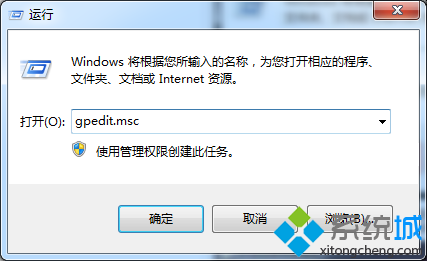
Win7 64-bit 旗艦版播放 SWF 檔案提示錯誤?群組原則啟用「所有程序」本機區域鎖定安全性修復