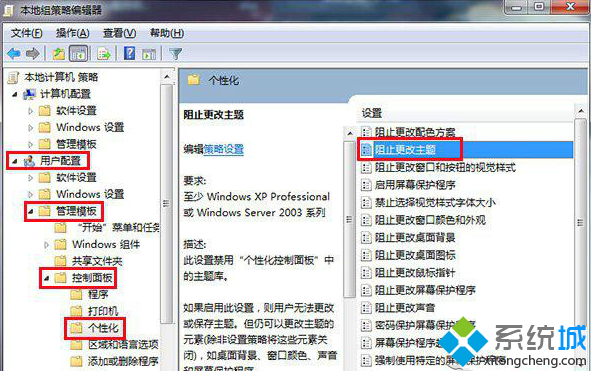
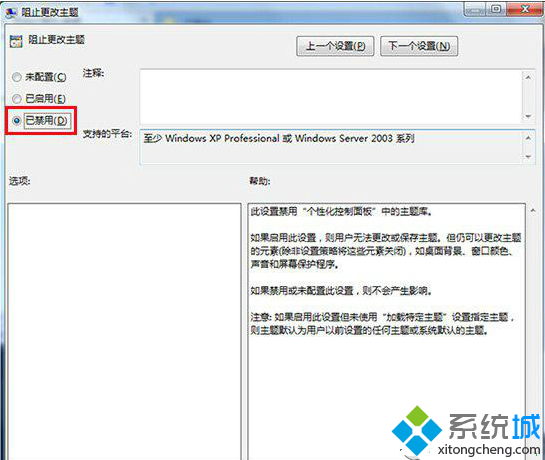
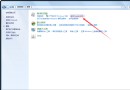
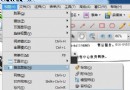
安裝第三方主題後擔心被惡意軟體竄改?啟用群組原則「防止變更主題」即可鎖定主題設定。
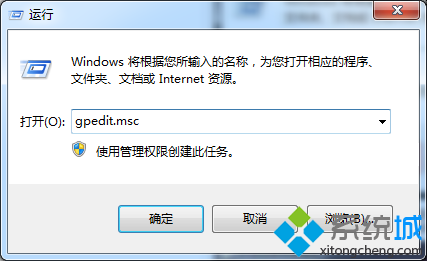
gpedit.msc
設定後,主題相關選項將變灰無法修改,保護個人化桌面不被惡意變更。
Windows 7 媒體庫深度解析:跨裝置檔案聚合、刪除行為差異、網路共享限制
Windows 7 開網頁慢、遊戲卡頓、白畫面?嘗試這些優化步驟或考慮升級硬體
Win 7 ADSL 撥號顯示「區域連線未識別」但能上網?關閉 IPv6 解決顯示異常
Windows 7 解鎖「Documents and Settings」資料夾完整教學:權限修改與所有者變更步驟詳解
Windows 7 虛擬記憶體最佳設定與碎片整理優化
Win 7 桌面控必看:主題、幻燈片、視窗色彩、桌面小工具 N 個愛上它的理由
雙硬碟三系統 (Win7 + Ubuntu 12.04 + XP) GRUB2 手動配置詳解
Windows 7 自動播放功能完整設定教學