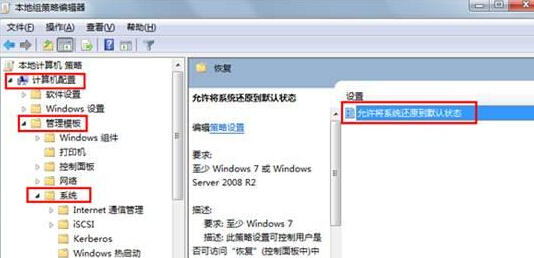
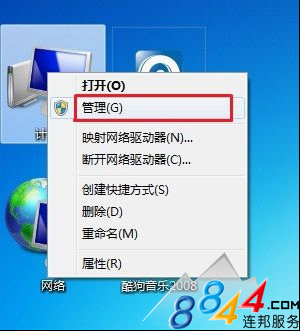
為防止使用者濫用系統還原導致設定變更,管理員可透過群組原則停用系統還原。
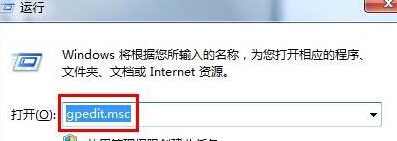
gpedit.msc
設定生效後,使用者無法建立還原點,系統還原功能停用。
Windows 7 主動防禦 USB 病毒:群組原則「拒絕執行權限」封鎖可移動磁碟程式執行
Win7 提示「無法重新連線所有網路磁碟機」?正確設定對應網路磁碟機
Win7 任務欄音量圖示不見?兩招快速找回
Win10創建熱點提示"無法啟動承載網絡"解決:啟用Microsoft虛擬適配器恢復熱點功能
Win7 出現「線上檢查解決方案並關閉程式」?正確排除步驟與預防措施
Win7 忘記 Wi-Fi 密碼?透過「管理無線網路」輕鬆找回明文密鑰
警惕!Windows 7 安裝勿隨意刪除分割區,200MB 隱藏分區關鍵性解析
Win7 版 WMP 具備自動調節比特率功能 依網速優化串流播放