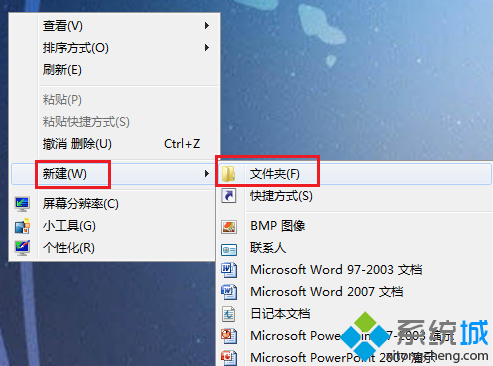
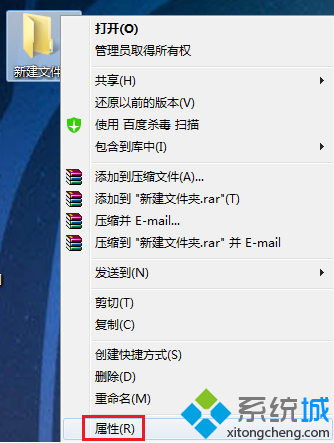
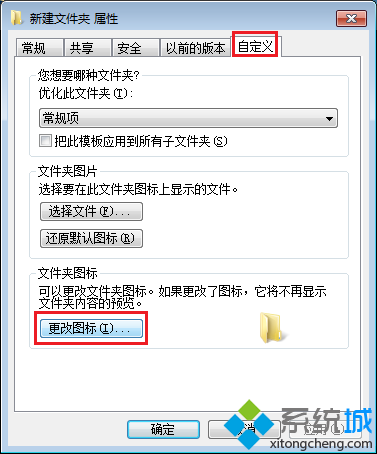
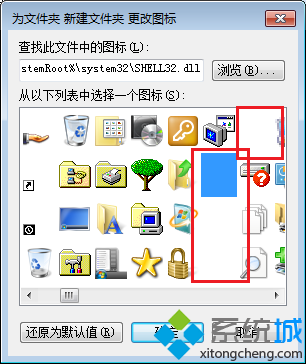
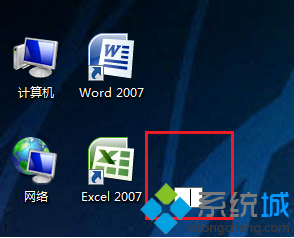
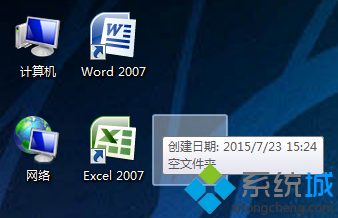
建立外觀完全隱形 (無圖示、無名稱) 的資料夾,趣味隱私保護小技巧:
0160
完成後桌面看似空無一物,但滑鼠移過該位置會顯示選取框,點擊可進入。若覺得有用或好玩可嘗試。
善用群組原則:讓 Win7 只識別自家 USB 隨身碟,拒絕陌生裝置
Win7 QQ 語音無法使用?檢查聲卡驅動、錄音裝置靜音、麥克風增益三大排查點
Win7 系統遭惡意軟體入侵的四大癥狀總整理
Win7 長時間下載自動斷線?關閉網卡省電功能徹底解決
Windows 7 SSD 優化完整解析:TRIM、碎片整理、SuperFetch、分頁檔、休眠檔、BitLocker 12 大議題
Win7 筆電開啟 Wi-Fi 熱點分享網路給手機:netsh wlan hostednetwork 指令完整教學
Win7 無法刪除 TrustedInstaller 擁有權檔案?取得擁有權與完整控制權限強制刪除
Win7 32位 鍵盤失靈無法使用:五大硬體與驅動排查方案