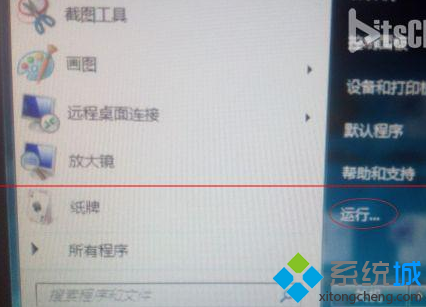
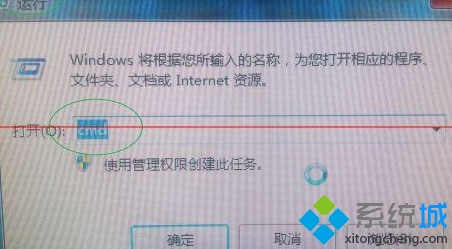
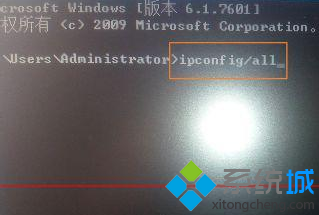
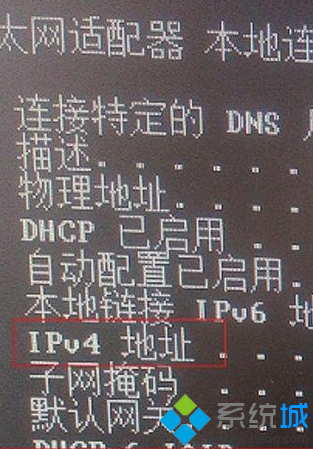
最快查詢本機 IP 位址與網卡 MAC 位址方法:
cmd
ipconfig /all
適用於所有 Windows 版本,無需安裝任何工具。
Windows 7 核心系統服務詳細解析:8 項關鍵服務功能與停用後果
Win7 設定網路優先順序:有線/無線同時連線時指定優先介面
Windows 7 八大常見問題與解答:升級前必讀
Windows 7 更新錯誤 8024402f 完整排除方案
Windows 7 問題步驟記錄器 (PSR) 完整操作指南
32 位元 Win 7 強行識別 4GB 記憶體?ReadyFor 4GB 破解風險與替代方案
Win7 聲音忽大忽小?關閉「通訊活動時自動降低音量」功能
我們真的需要第三方修補程式軟體嗎?Windows Update 內建機制才是最佳選擇