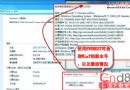
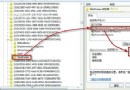
啟用 IE「限制檔案下載」群組原則,可阻擋網頁自動下載惡意程式,提升瀏覽安全性。
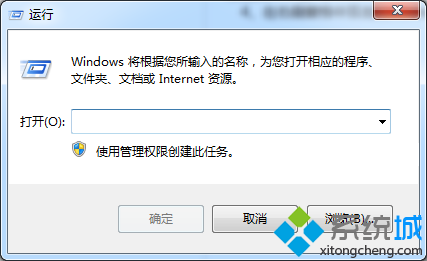
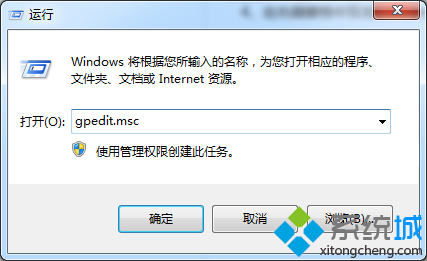
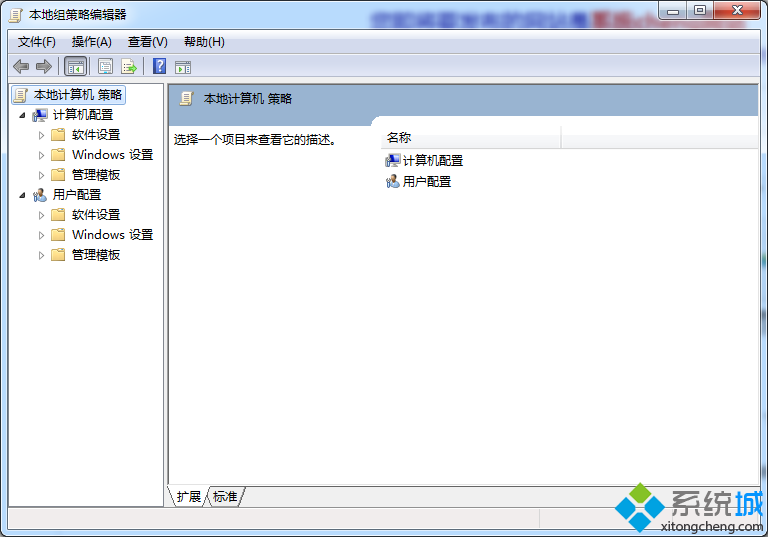
gpedit.msc
電腦設定 → 系統管理範本 → Windows 元件 → Internet Explorer → 安全性功能 → 限制檔案下載
設定後 IE 將封鎖網頁發起的檔案下載動作,需搭配防毒軟體與安全上網習慣共同防護。
Windows 7 硬碟分區新觀念:善用「程式庫」取代多分區管理
Win7 如何關閉智慧卡服務?群組原則停用四項智慧卡原則教學
Windows 7 音量圖示變灰無法調整音量解決方法
Win7 睡眠、休眠、混合睡眠完整解析與常見問題 Q&A
Win7 常見故障自救 4 招:無法安裝軟體、捷徑圖示消失、頑固檔案刪不掉、遊戲黑邊
豈能生硬套用 XP 技巧:Win 7 照片檢視器幻燈片間隔修改無效
Win7 旗艦版將 IE11 降級至 IE10:透過 Windows Update 移除更新補丁完整教學
Win7 免密自動登入:跳過歡迎畫面直進桌面