執行磁碟重組後電腦仍緩慢,通常非重組無效,而是其他瓶頸。五大常見原因:
- 桌面檔案過多、高解析度桌布:佔用記憶體與繪圖資源,建議移動檔案至資料夾、使用純色桌布。
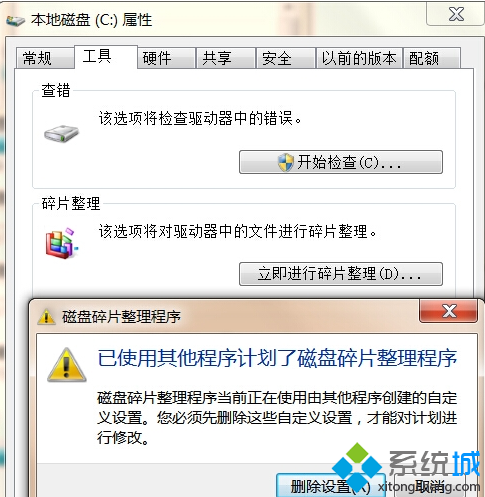
- 磁碟碎片過多:重組頻率不足或磁碟老化,建議排程每週重組、檢查磁碟健康度。
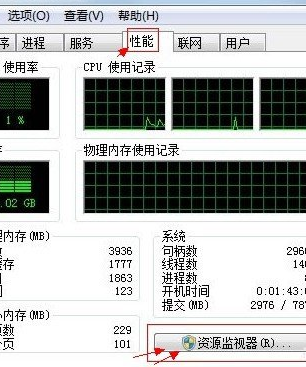
- 同時執行過多程式:記憶體不足導致頻繁分頁,關閉不用程式或加裝記憶體。
- 流氓軟體/開機項目過多:佔用 CPU、磁碟 I/O,使用 msconfig 或第三方工具精簡啟動項。
- 暫存檔堆積:
%TEMP%、瀏覽器快取未清理,定期使用清理工具 (如 CCleaner)。
綜合優化才能發揮重組效益。