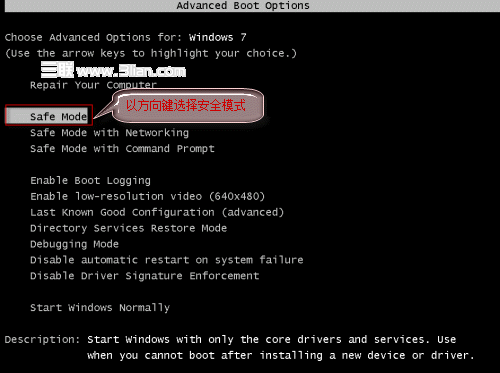
Windows 體驗指數(WEI)分數儲存在 C:\Windows\Performance\WinSAT\DataStore\ 下的 Formal.Assessment (Initial).WinSAT XML 檔案中。透過編輯該檔可自訂各項子分數(最高 7.9),僅改變顯示數值不影響實際效能。
C:\Windows\Performance\WinSAT\DataStore → Enter。Formal.Assessment (Initial).WinSAT。<WinSPR> 區段,修改 SystemScore、MemoryScore、CpuScore、GraphicsScore、GamingScore 等數值(最高 7.9)。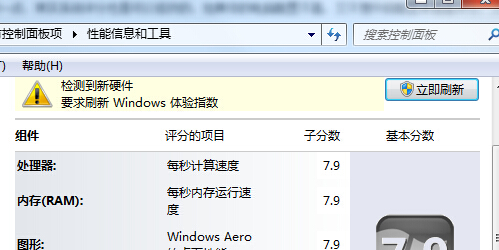
此為單純修改顯示數值,不代表硬體效能提升。若需真實跑分,請在體驗指數頁面點擊「重新執行評估」。