Windows XP Windows 7 Windows 2003 Windows Vista Windows 綜合教學 Linux 系統教學
Windows 10 Windows 8 Windows 2008 Windows NT Windows Server 電腦軟體教學

Win7 判斷 C 槽檔案可否刪除的完整清理指南

編輯:Windows 7 系統介紹

C 槽空間不足時,哪些檔案可安全刪除、哪些必須保留?提供詳細清單與操作步驟。

可安全清理/移動的項目

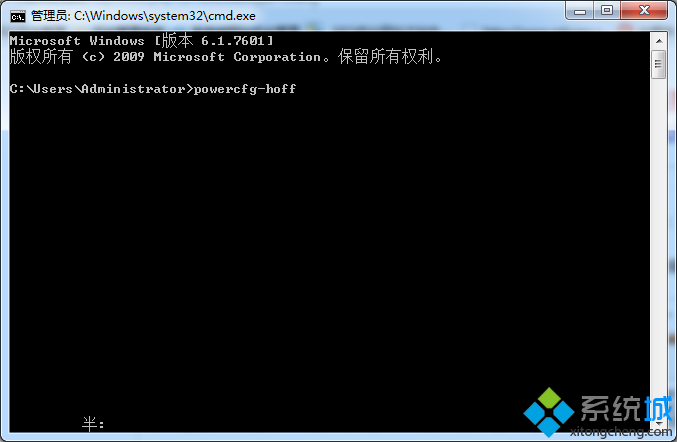
  1. 關閉休眠:CMD 執行 powercfg -h off 刪除 hiberfil.sys。
    關閉休眠
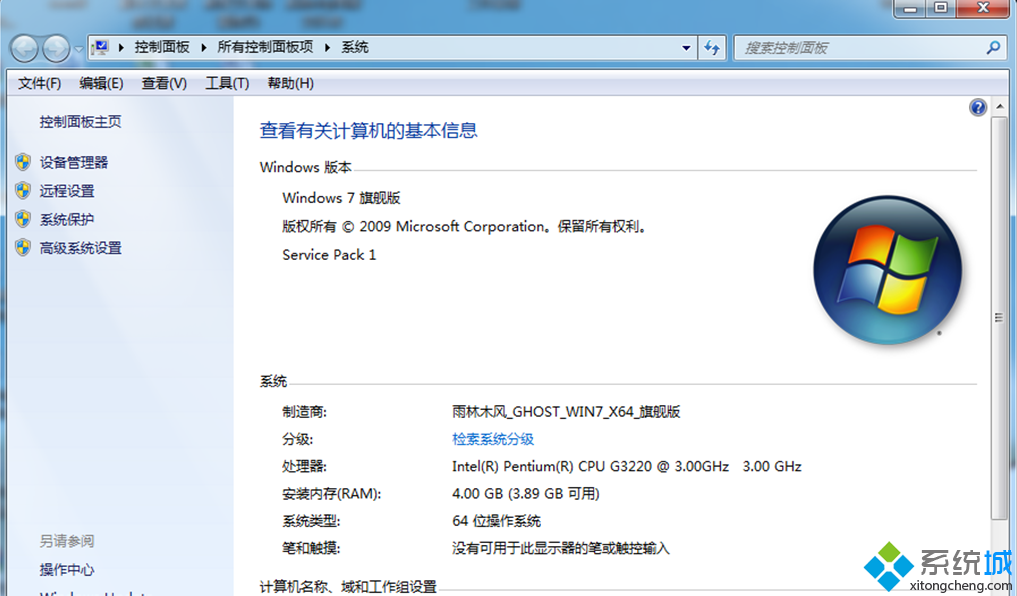
  2. 關閉系統保護:電腦右鍵 → 內容 → 進階系統設定 → 系統保護 → 關閉。
    關閉系統保護
  3. 移動虛擬記憶體:進階系統設定 → 進階 → 效能設定 → 進階 → 變更 → 移至他槽。
    移動虛擬記憶體
  4. 移動使用者資料夾:Desktop、Favorites、Documents、Music 右鍵內容 → 位置 → 移動至他槽。
  5. 可刪除檔案/資料夾:
    • C:\Windows\Web\Wallpaper 系統桌布
    • C:\Windows\System32\DriverStore\FileRepository 中 ati*.inf (A 卡保留)、nv*.inf (N 卡保留)、mdm*.inf (舊數據機)、prn*.inf (印表機驅動)
    • C:\Boot 非 zh-CN 語言啟動畫面
    • C:\PerfLogs 系統診斷記錄
    • C:\Windows\Downloaded Installations 安裝暫存檔
    • C:\Windows\Help 說明檔
    • C:\Windows\IME 非必要輸入法 (日文、韓文、繁中)
    • C:\Windows\winsxs\Backup 備份檔 (354MB)
    • C:\ProgramData 中安裝暫存檔 (.exe/.msi)
  6. 不可刪除/需謹慎:
    • C:\Windows\Installer 程式解除安裝需用
    • C:\Windows\winsxs 核心元件庫 (可用 DISM 壓縮節省 1GB)
    • C:\ProgramData 中軟體執行必要檔案

清理前建議建立系統還原點,刪除後觀察系統穩定性。

Copyright © Windows教程網 All Rights Reserved