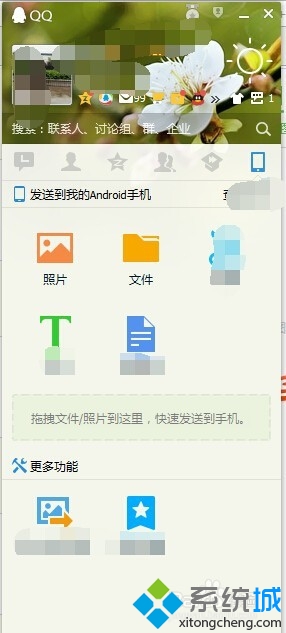
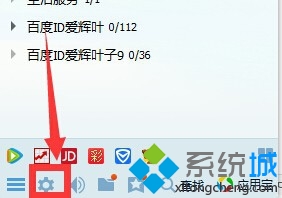
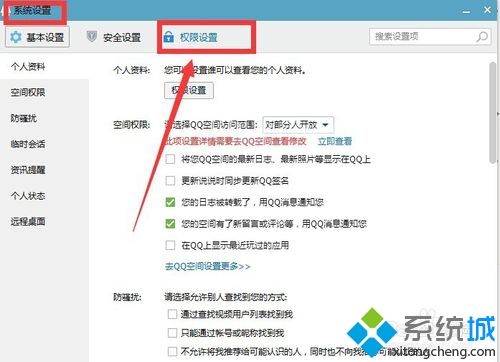
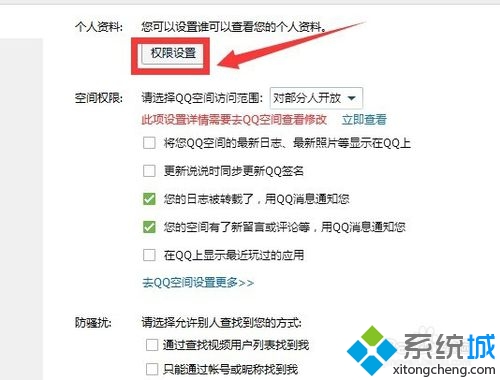
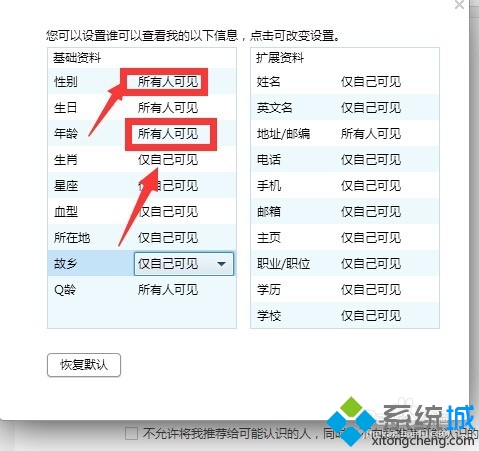
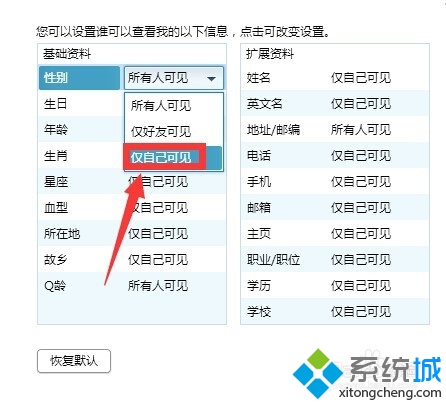
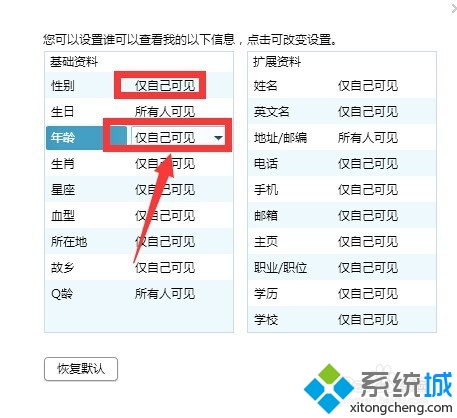
保護隱私,讓 QQ 好友看不到年齡與性別:
同樣可在「隱私設定」中進一步控制手機號碼、郵箱等敏感資訊的可見範圍。
刪除 Windows 7 200MB 隱藏分區:WinPE 環境下刪除合併、設定作用分區、bcdboot 修復引導
Windows 7 系統映像備份與還原完整指南:內建功能媲美 Ghost、支援排程、網路位置、多磁碟區一次備份
Windows 7 測試者必讀:給 Beta 測試人員的 5 項關鍵建議
Win7重啟後IP地址丟失修復:netsh命令重置Winsock與TCP/IP
Win7 關閉 IE 加速器:群組原則一鍵禁用,減少右鍵選單干擾、提升瀏覽安全性
Windows 7 自我修復機制詳解:啟動修復、系統還原、映像還原三層防線,免重灌救系統
Win7 安裝顯卡驅動後不斷重開機?四大原因與對策
Win7 純淨版修改 CMD 命令提示字元視窗字體與背景顏色