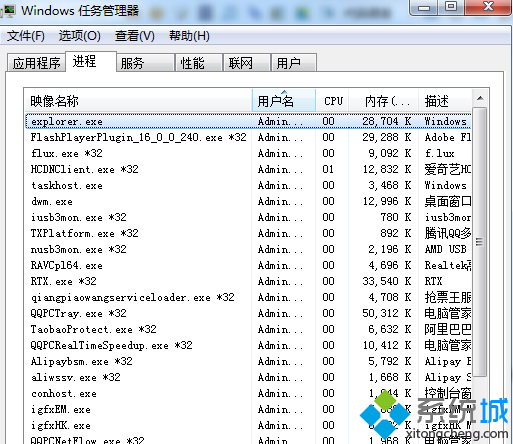
explorer.exe
先備份 USB 資料 (若可讀取),防止資料遺失。頻發請參考根治:更新 USB 控制器驅動、停用第三方殼擴充套件、檢查 USB 壞軌。
Windows 7 Build 7048 新圖標賞析:介面細節全面升級
Win7 修改 MAC 地址完整教學:裝置管理員與登錄檔雙法
Windows 7 找不到攝影機圖示?建立捷徑放入 Network Shortcuts 即可顯示
Windows 7 改進:記憶體佔用大幅降低,700MB 虛擬機流暢運行、極限佔用約 250MB
Windows 7 家庭群組整合 Windows Live ID:跨電腦精細權限共享
Windows 7 簡化相容性認證:四合一單一徽章,解決廠商成本與用戶混淆雙重痛點
Win7 開啟/關閉內建防火牆圖文教程:控制面板大圖標模式三步直達
Win7 IIS 本機測試 localhost 出現 404 錯誤?修正網站繫結 IP 設定