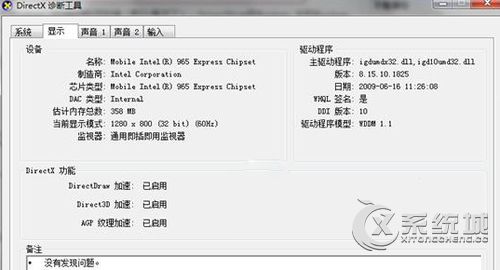
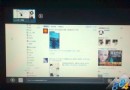
本地播放影片截圖呈現黑畫面,Win7 下 DirectDraw 無法直接停用,需修改登錄檔。
regedit
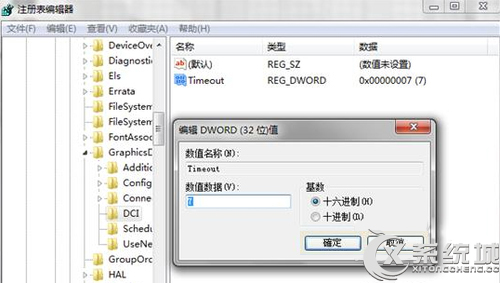
HKEY_LOCAL_MACHINE\SYSTEM\CurrentControlSet\Control\GraphicsDrivers\DCI
Timeout
7
0
修改後可正常截取影片畫面。
駭客尚未熱身 Windows 7 上市首月零補丁
Windows 7 設定無線網路自動連線教學
Win7 提升 USB 隨身碟讀寫速度:啟用寫入快取 + 格式化為 NTFS
雞蛋裡挑骨頭:Windows 7 七大美中不足 (缺少組件、舊裝置支援、強迫新介面、非免疫病毒、XP升級難、定價複雜、客服不足)
Win7 筆電永久刪除檔案不經回收站:Shift+Delete 與右鍵+Shift 兩大技巧
Win7 圖片縮圖不顯示?一鍵開啟預覽圖功能
Windows 7 螢幕解析度調整完整圖解教學
保護隱私從清除 Windows 7 搜尋記錄開始:魔方優化、手動刪除、登錄檔與群組原則四法