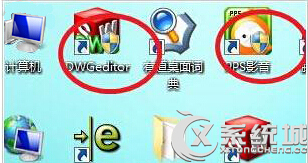
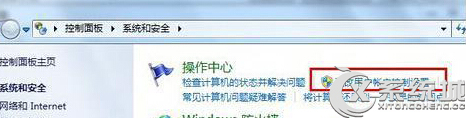
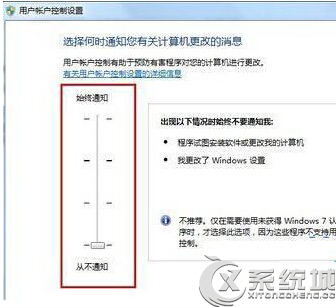
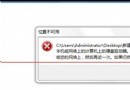
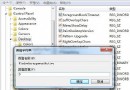
盾牌圖示代表需 UAC 提權,調整 UAC 等級可移除。
返回桌面即可發現盾牌圖示消失。注意:降低安全性,請斟酌使用。
Windows 7 忘記登入密碼四種破解方法(含系統帳號提權)
Win7 64 位元 exFAT 格式磁碟無法寫入?chkdsk 修復檔案系統
Windows 7 反盜版新策略:激活技術隨機變化 黑屏改「溫柔」提醒
Win7 旗艦版如何查詢光碟機/燒錄機使用紀錄?登錄檔 Enum/IDE 匯出文字檔分析
Win7如何清除任務欄Word/Excel/PPT的最近打開記錄?任務欄屬性隱私設置一鍵清空
Win7 看透後台偷跑程式:msinfo32 系統資訊 > 正在執行的工作,比工作管理員更完整
Windows 7 IIS 架設 FTP 伺服器圖文教學
Win7 禁止 IE 瀏覽器彈出檔案下載提示視窗(群組原則法)