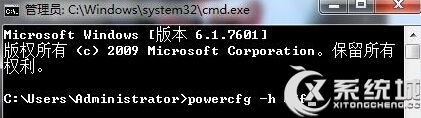
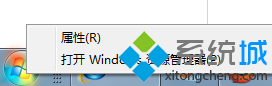
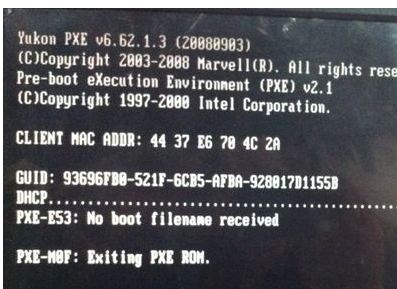
本文與 ID 77980 內容相同,提供相同解決步驟:關閉休眠、重開機、重新啟用休眠。
powercfg -h off
powercfg -h on
重置休眠功能可修復喚醒權限錯誤。
微軟發布 11 月安全公告:補丁不影響 Windows 7
Win7 禁止驅動程式自動更新:群組原則啟用「防止安裝未受管理的裝置」鎖定驅動版本
任務管理器罷工?組策略與註冊表雙管齊下,讓 Win7 任務管理器重啟工作
Win7 刪除使用者帳號完整教學:控制台與 lusrmgr.msc 兩種方式
Windows 7 安裝字型完整指南:捷徑安裝法節省系統碟空間
Win7 IE8 首頁防篡改:註冊表模擬群組原則鎖定設定(附限制說明)
Win7 關閉 Superfetch 服務教學:降低硬碟讀寫、提升系統回應速度
Windows 7 附件小工具消失?快速找回計算機、畫圖等常用程式