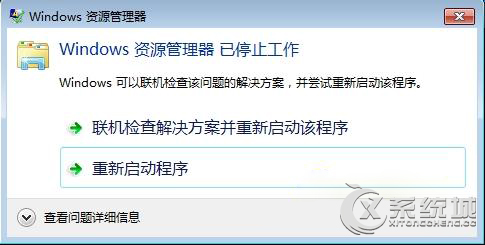
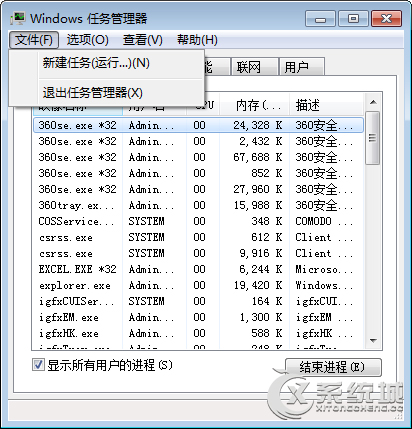
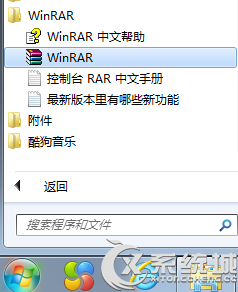
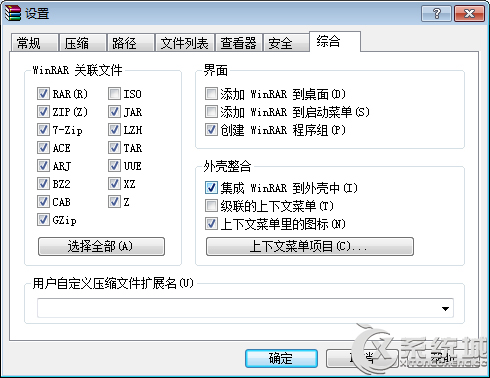
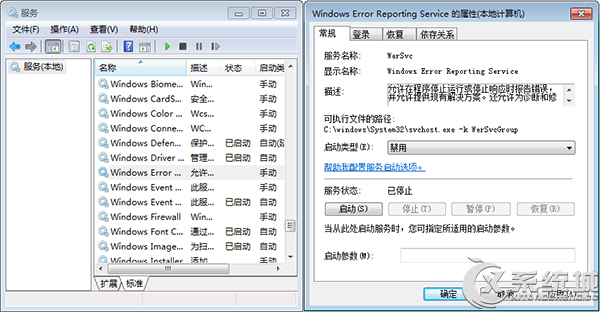
檔案總管當機常因 WinRAR 整合或錯誤回報服務衝突。
explorer.exe
services.msc
完成上述設定可有效解決檔案總管頻繁當機問題。
Win7 內建磁碟管理工具分割硬碟教學:免安裝第三方軟體
ThinkPad Win7 數字鍵/大小寫鎖定螢幕指示器消失?顯示卡設定一鍵找回
Windows 7 任務管理器進階應用:檢視進程完整路徑與命令列,守護電腦安全
Windows 7 藍畫面死機完整分析與解決方案指南
Win7 自訂開始按鈕圖示:用「軟媒魔方」輕鬆換裝
Win7 印表機提示「列印服務已關閉」?重建 Print Spooler 服務與 spoolsv.exe
Win7 安裝軟體彈出「無法驗證發行者」三種解決辦法
解決 Windows 7 無法套用視覺樣式錯誤:重命名/替換 aero.msstyles.mui 檔案