Office 2007/2010 預設不含 PDF 輸出功能,需安裝微軟官方增益集才能在 Word 中另存為 PDF:
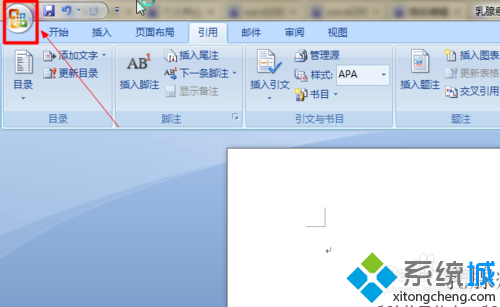
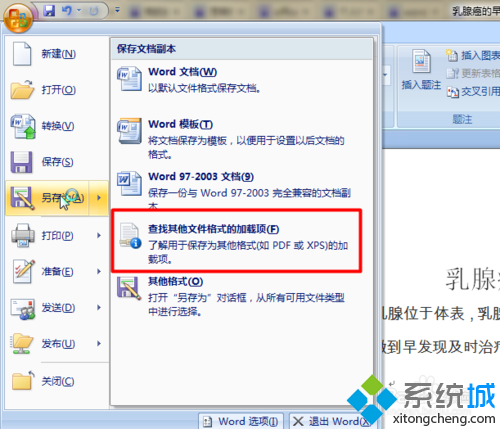
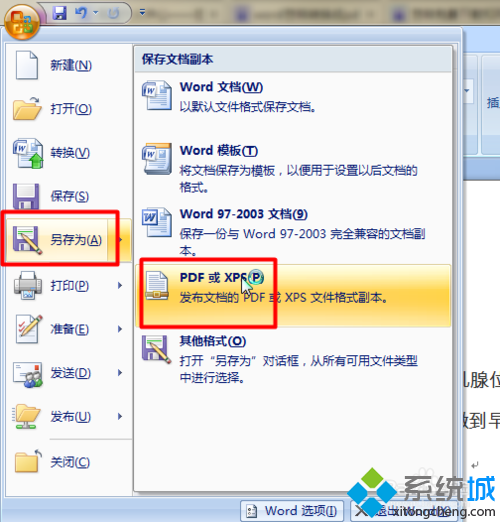
- Word 左上角 Office 圖示 → 「另存新檔」→ 「尋找其他檔案格式的增益集」。
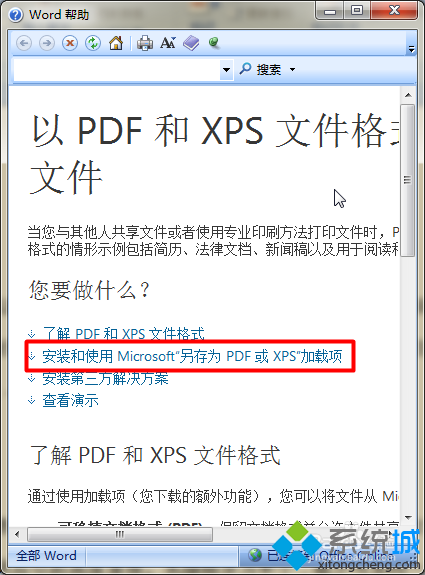
- Word 說明頁面選擇「安裝和使用另存為 PDF 或 XPS 增益集」。
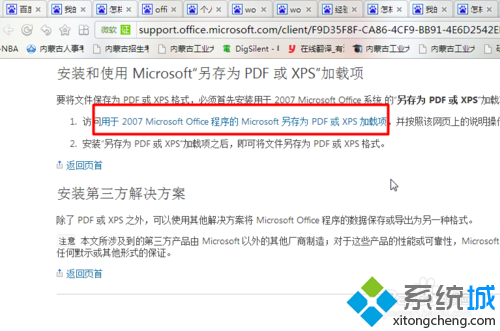
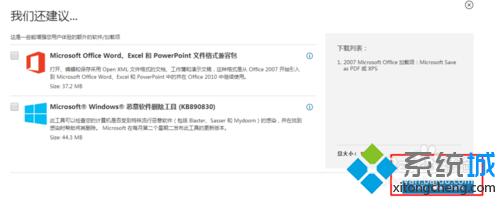
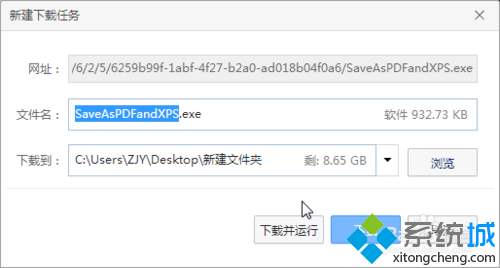
- 瀏覽器開啟微軟下載頁 → 點選「Microsoft Save as PDF or XPS Add-in for 2007 Microsoft Office programs」下載。
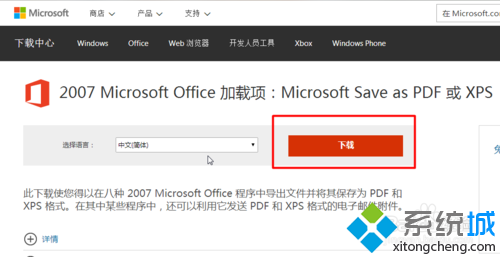
- 語言選「中文 (簡體)」,下載執行安裝,接受授權條款。
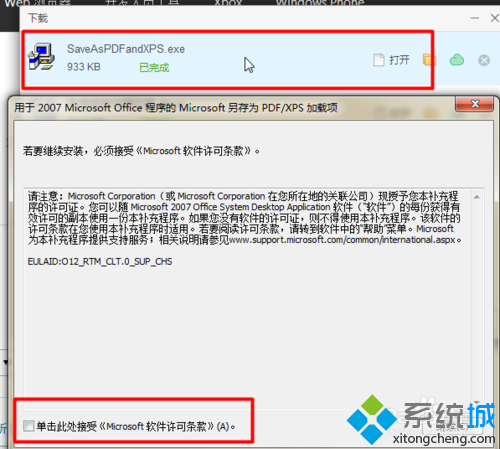
- 安裝完成後,Word 「另存新檔」類型即出現「PDF 或 XPS」,選擇即可輸出 PDF。
Office 2013 以上版本已內建 PDF 輸出,無需額外安裝。