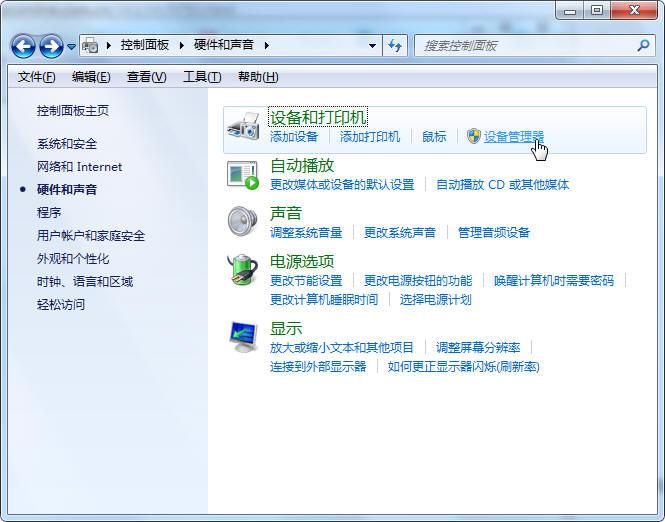
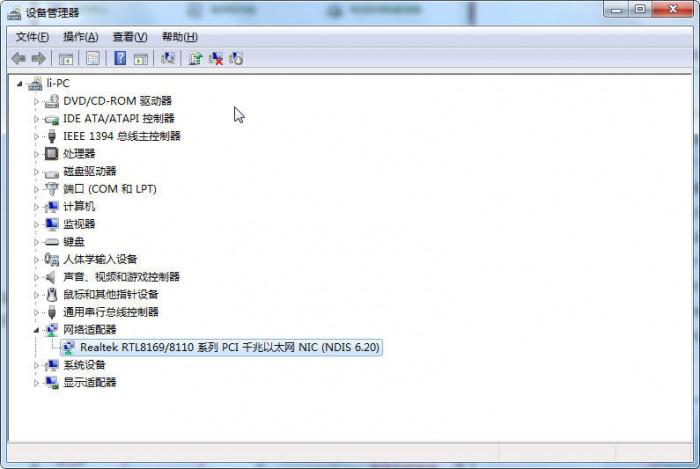
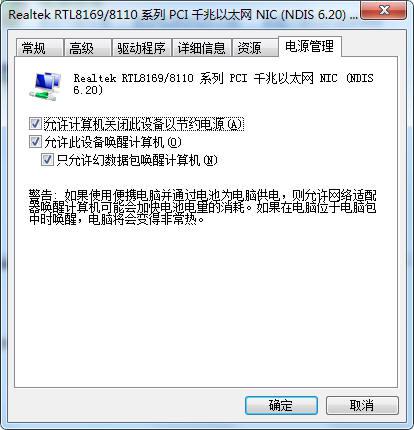
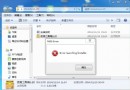
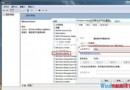
預設 Windows 7 待機會關閉網路介面卡以省電,導致下載中斷。停用該省電選項可讓電腦待機時保持網路連線。
注意:此設定會增加待機耗電量,筆電建議接上電源使用;若無長時間待機下載需求,建議保持預設省電模式。
Win7 手動清理系統垃圾檔案與登錄殘留完整指南
Win7 64 位系統能共享印表機給 32 位客戶端嗎?跨架構共用設定教學
Win7 資源管理員檔案排序規則調整:關閉數值排序改為字母順序
教您在 Win7 設定開機密碼,並提醒避免忘記密碼風險
Win7 旗艦版因顯卡故障死機黑屏怎麼辦?三大對策:正確驅動、散熱、供電
Windows 7 中 IE8 瀏覽器能否完全解除安裝?真相與操作教學
Win7 簡體系統開啟繁體軟體顯示亂碼?安裝繁體語言包並設定非 Unicode 程式語言修復
Win7 登錄找不到 msahci 項目?搜尋功能定位或手動新建教學