Windows 7 自動更新失敗通常源於兩大原因:網路連線異常、或更新服務元件損壞。微軟已於 2020 年 1 月停止 Win7 主流支援,但延伸安全性更新 (ESU) 至 2023 年 1 月結束。若系統仍需更新,建議檢查網路並修復更新元件。
svchost.exe (wuauserv) 連線。更新服務相關檔案 (SoftwareDistribution、catroot2、DLL 登錄) 損壞會導致更新掃描/下載/安裝全程失敗,錯誤代碼常見:0x80070002、0x80070005、0x8024402F 等。
net stop wuauservnet stop bitsnet stop cryptsvcren %systemroot%\SoftwareDistribution SoftwareDistribution.oldren %systemroot%\system32\catroot2 catroot2.oldnet start wuauservnet start bitsnet start cryptsvc
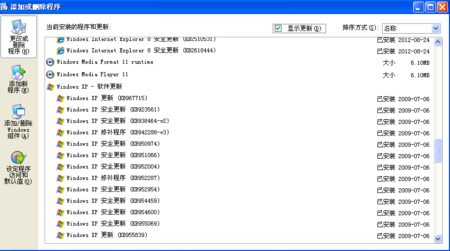
sfc /scannow 修復系統檔案。dism /online /cleanup-image /restorehealth (需 Win8+,Win7 需安裝 DISM 工具)。Windows 7 已停止安全性更新(ESU 2023/01 結束),續用系統面臨零時差漏洞風險。強烈建議:
1. 升級至 Windows 10/11 (可免費升級)。
2. 若硬體不支援,改用 Linux (Ubuntu、Linux Mint 等) 延長裝置壽命。
3. 必須續用 Win7,請斷網隔離、啟用強制防火牆、僅執行受信應用、定期離線備份。