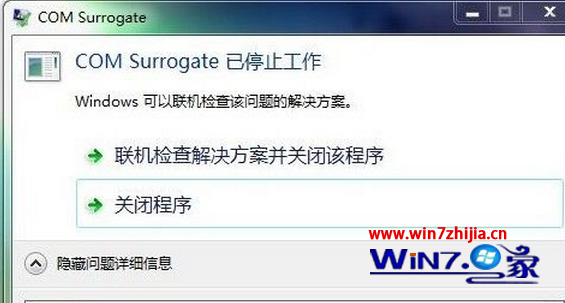
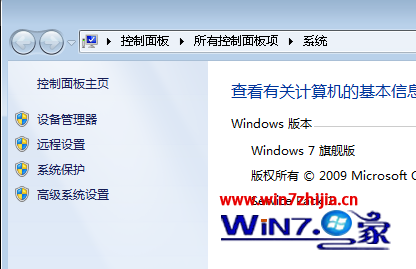
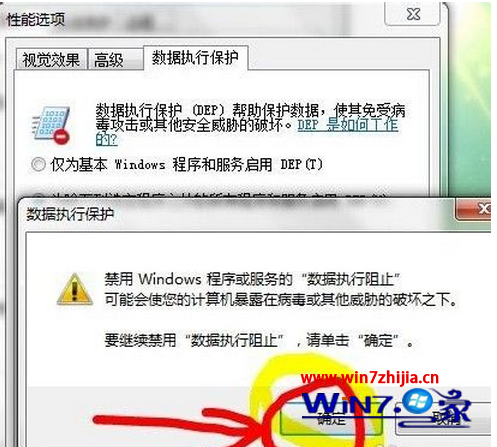
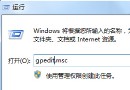
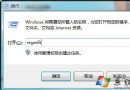
Win7 64 位元頻繁彈出「com surrogate 已停止運作」,將 dllhost.exe 加入 DEP 例外清單解決:
dllhost.exe
dllhost.exe 為 COM 物件代理程式,DEP 誤判導致誤殺,加入例外即可徹底解決。
Windows 7 系統激活工具匯總:支援 SP1 及各版本
微軟啟動「Windows 7 系統完善計畫」:提供相容性測試工具與資源
揭秘 Windows 7 XP 模式六大問題:虛擬工具缺失、雙系統管理、主機安全風險、成本倍增、硬體門檻、暫時方案本質 (含微軟後續改進說明)
Win7 遠端桌面操作卡頓?區域網路優化設定教學
Windows 7 筆電桌面圖示載入緩慢?修改註冊表 Max Cached Icons 加速顯示
Windows 7 線上升級旗艦版教學與常用 OEM 金鑰整理
Win7 產生電腦健康報告指令:perfmon /report 自動收集硬體、軟體、效能、網路、磁碟、記憶體完整資訊
Win7 建立密碼重設磁碟教學:預防遺忘登入密碼