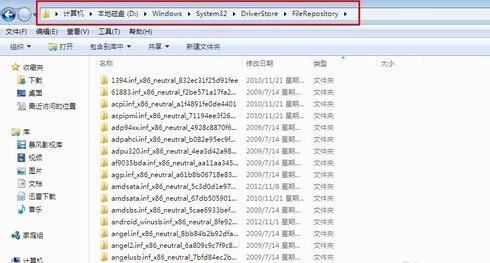
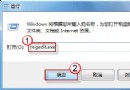
Windows 7 長期使用後驅動程式老化會導致異常,需定期更新與備份。
良好的驅動維護習慣能大幅減少系統藍畫面、硬體不穩等問題。
解決 Win7 RTM 詭異圖示損壞:重建圖示快取與改名大法
Windows 7 常見問題權威解答:硬體需求、XP Mode 門檻、升級顧問工具用法
Win7 啟用 F8 選單「修復電腦」選項 透過 reagentc 指令恢復 Windows RE 環境
Windows 7 安全平台建置實戰:帳戶密碼、家長控制時間與程式限制完整教學
Windows 7 快速啟動列去哪了?任務列整合取代,教你找回習慣操作
Windows 7/8.1 全新安裝完整指南:從備份到開機設定
Win7 無法解除安裝更新補丁包?透過控制台強制移除
Win7還原預設字體兩步法:控制台字體設定一鍵恢復微軟正黑體