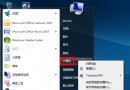
Windows 7 開機彈出 AutoIt Error: Line 0: Error opening the file,通常是啟動項殘留惡意/損毀腳本。三階段清理徹底解決:
Win+R → msconfig → 「啟動」 索引標籤。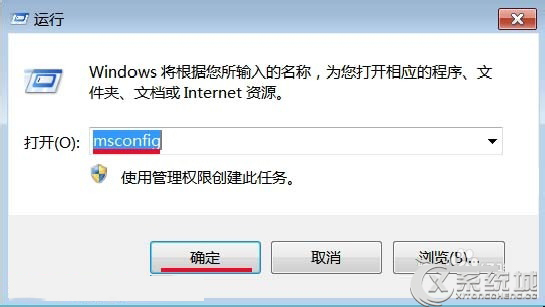
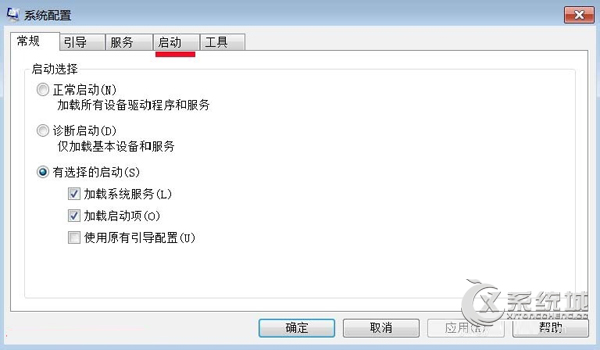
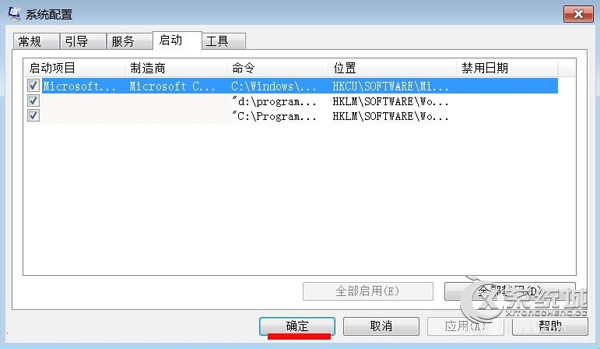
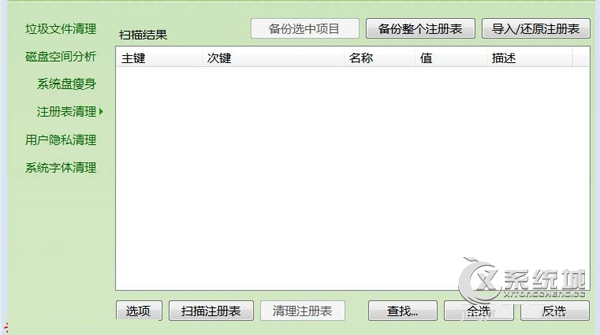
使用 CCleaner 等工具掃描清理無效登錄項目。
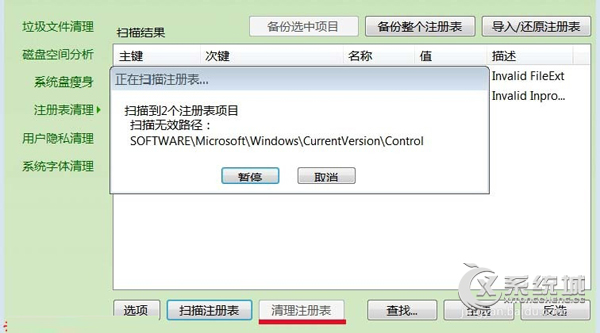
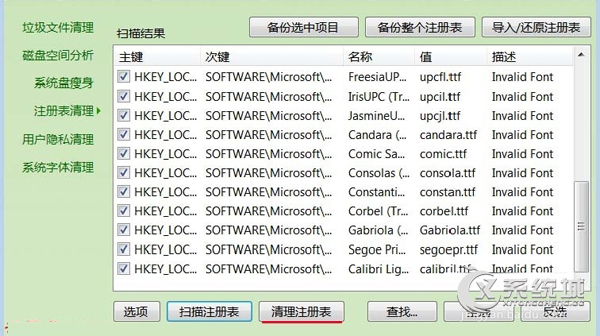
Win+R → regedit,瀏覽至:HKEY_CURRENT_USER\Software\Microsoft\Windows\CurrentVersion\Run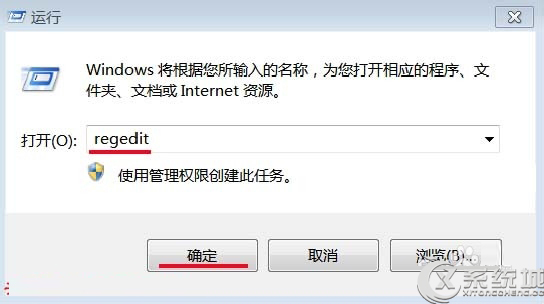
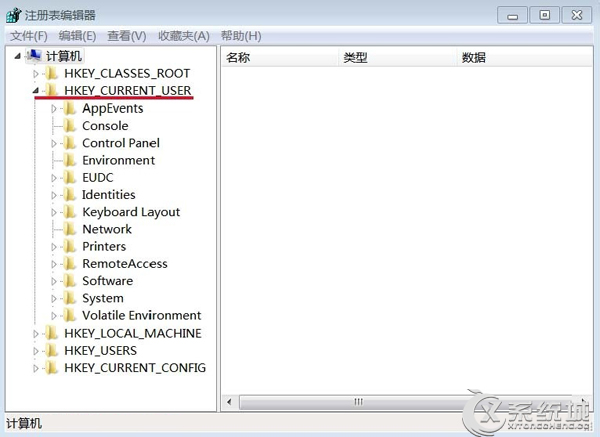
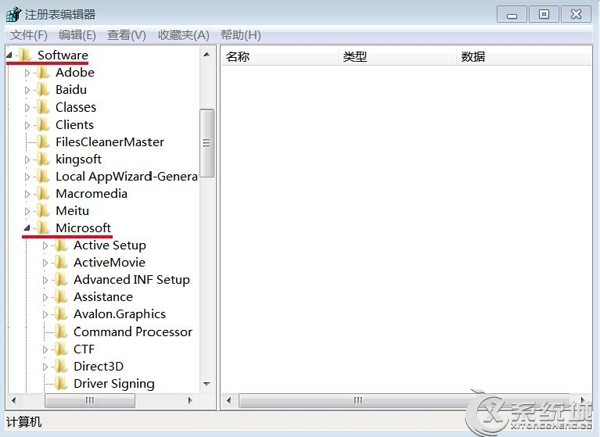
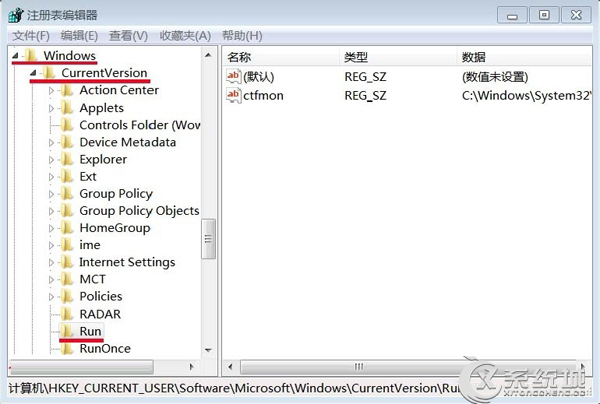
C:\Windows\System32\ctfmon.exex 多餘字元),雙擊修正或刪除。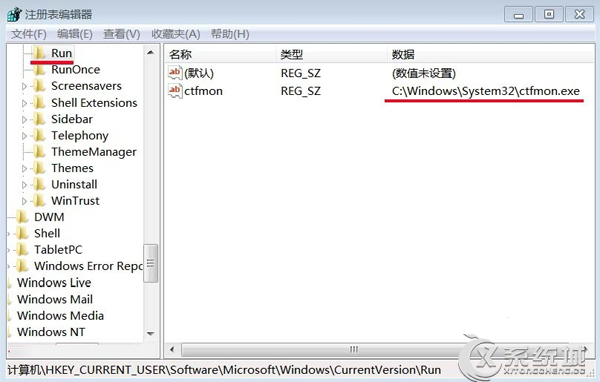
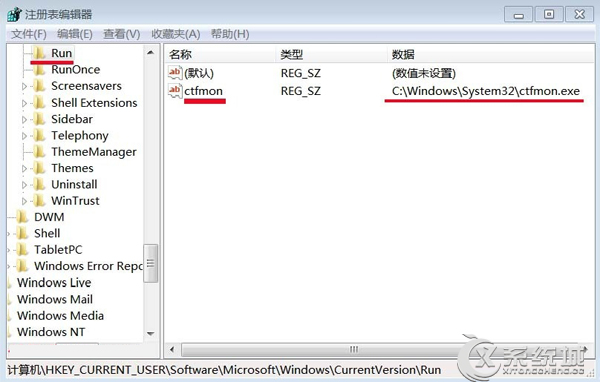
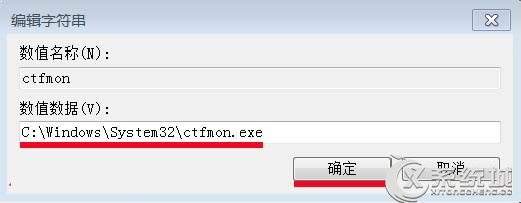
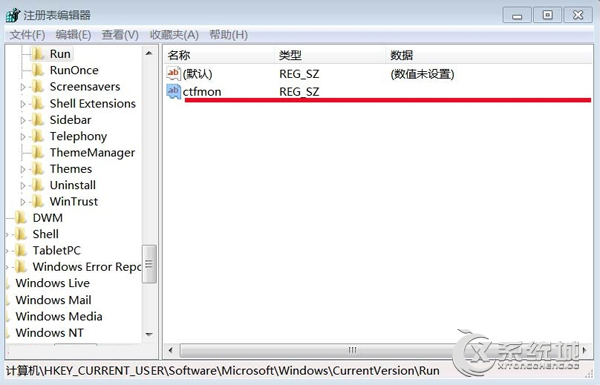
依序執行三階段,AutoIt 腳本錯誤即可徹底解決。
Win7 桌面圖示大小與排列調整:右鍵選單/滑鼠滾輪 Ctrl+滾動 微調大小、自動排列/對齊網格/顯示隱藏
解決 Windows 7 待機斷網:啟用「離開模式」讓下載不中斷
Windows Vista 讓非 Unicode 中文軟體正常執行:修改系統地區語言設定
Windows 7 四大熱門疑難雜症解決:資料夾共享、音量圖示、ReadyBoost、eSATA 啟動慢
Win7「開啟或關閉 Windows 功能」空白無內容?三大修復方案:服務、系統檔案、登機檔
Win7 「自動播放」完整設定指南:關閉彈出視窗、指定程式開啟、每次詢問、依媒體類型自訂
Win7 畫面閃爍怎麼辦?刪除登錄 HungAppTimeout 等逾時鍵值修復
Windows「執行」指令十大實用技巧:快速開啟資料夾、查路徑、開網頁、修復輸入法、取消信使、重置IE、磁碟清理、倒數關機、查版本、修復壓縮資料夾