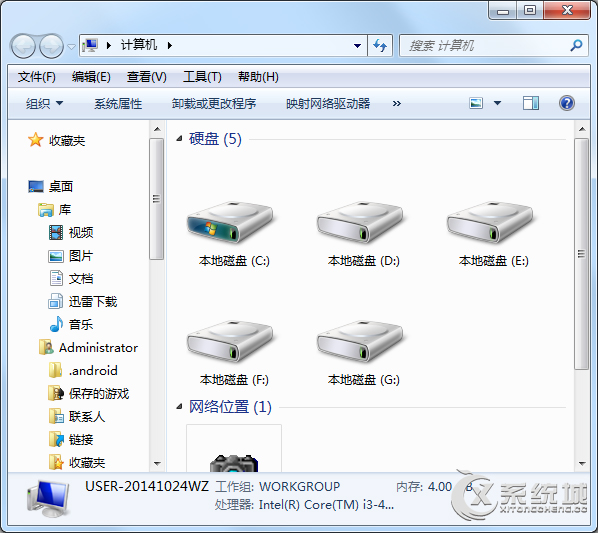
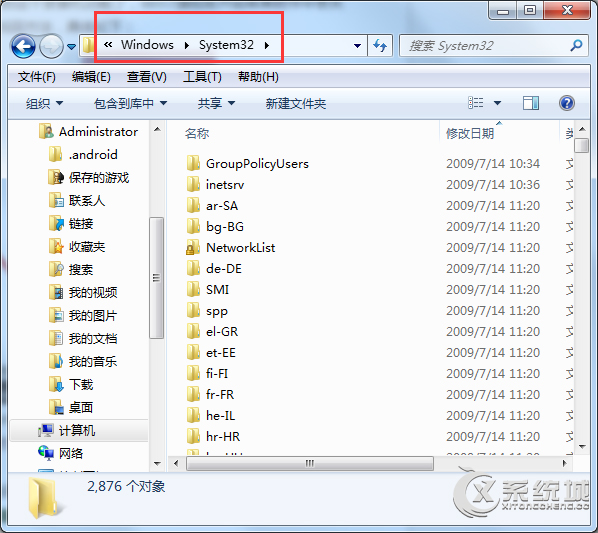
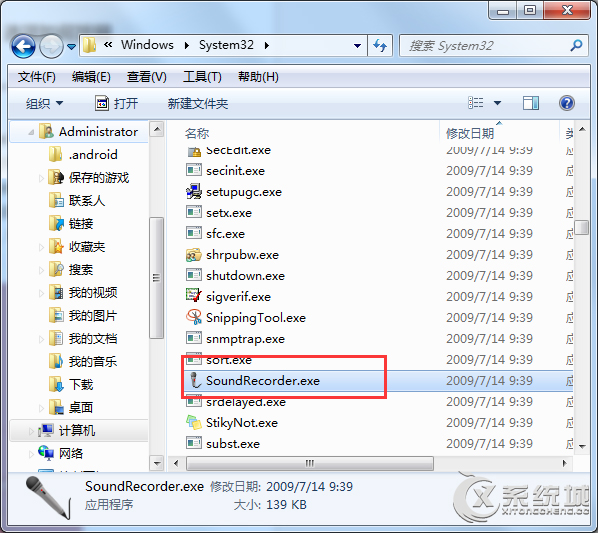
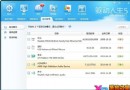
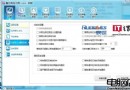
使用優化工具後,Win7 開始選單的「錄音機」捷徑可能被移除。實際上程式檔案仍在系統資料夾中,可手動建立捷徑找回。
C:\Windows\System32\
即可恢復如常使用系統內建錄音功能。
Win7 開機卡在「正在設定 Windows 請勿關閉電源」五大解法:最後正確配置、安全模式、系統還原、安裝碟修復、重灌
電腦新手必讀:七大常見硬體故障現象與 BIOS 蜂鳴器代碼速查表
Win7 內建截圖工具使用教學:建立捷徑一鍵呼叫,不輸 QQ 截圖
Win7 設定固定 IP 位址圖文教學:從網路共享中心到 IPv4 參數設定
Win7 取得系統管理員完整權限:啟用 Administrator 與右鍵選單「取得擁有權」
輕鬆卸載 Win 7 SP1 Beta 三法:控制台、管理員命令、系統還原
Win7 桌面變黑、右下角提示「非正版」?兩種情境緊急修復指南
Windows 7 修改程式預設安裝目錄:登錄與權限遷移完整操作