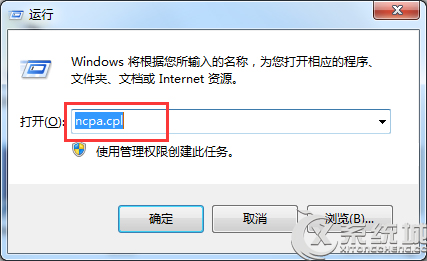
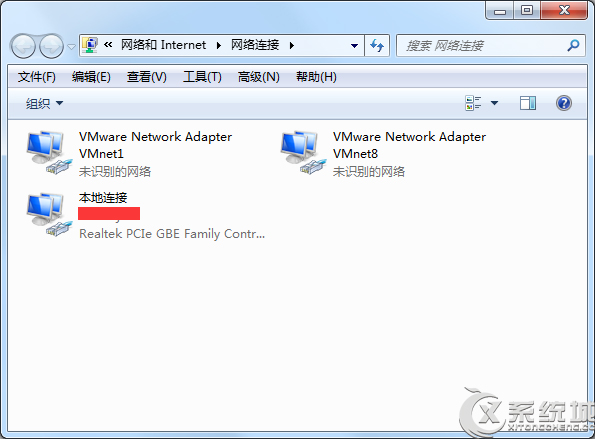
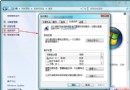
在 Windows 7 中,透過執行 ncpa.cpl 指令可直接開啟「網路連線」控制台,比層層點選控制台面板更快速。
ncpa.cpl
C:\Windows\System32
shell32.dll
control.exe
appwiz.cpl
sysdm.cpl
善用 CPL 指令可大幅提升系統管理效率。
解決 Windows 7 「未識別的網路」問題 完整設定指南
Windows 7 內建隨身熱點功能:筆記型電腦秒變無線基地台
Win 7 旗艦版音訊服務未執行?紅叉喇叭四大修復法:服務重啟、登錄帳戶切換、更新驅動、音量調整
Win7 全螢幕遊戲黑邊/無法全螢幕?登錄檔修改 Scaling 值或 NVIDIA 控制面板一鍵修復
Win7 刪除多餘使用者帳號教學
Windows 7 麥克風無聲/音量太小?完整設定與疑難排解
Win7 修改工作列預覽縮圖大小:登錄新增 MinThumbSizePx 自訂寬度
Windows 7 開啟無線熱點,手機 WiFi 連線電腦遠端控制