Gdiplus.dll 是 Windows 圖形裝置介面(GDI+)的核心元件,負責 2D 向量繪圖、影像處理與字型渲染。它位於 C:\Windows\System32(64 位系統另存於 SysWOW64),隨系統安裝自動生成,維繫著桌面圖示、遊戲畫面、網頁排版等日常顯示功能。
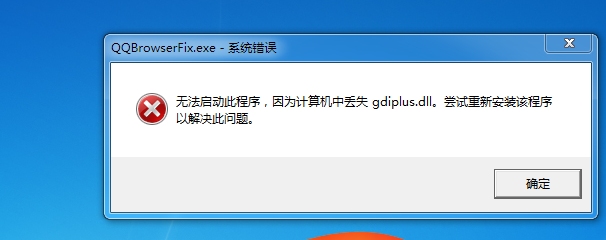
常見原因:
下載地址:百度網盤備份(若連結失效,可從同版本乾淨系統 System32 複製)。
| 作業系統 | 目標路徑 |
|---|---|
| Windows 95/98/Me | C:\Windows\System |
| Windows NT/2000 | C:\WINNT\System32 |
| Windows XP / 7 / 8 / 10 (32 位) | C:\Windows\System32 |
| Windows 7 / 8 / 10 (64 位) | C:\Windows\SysWOW64 (32 位程式相容層) |
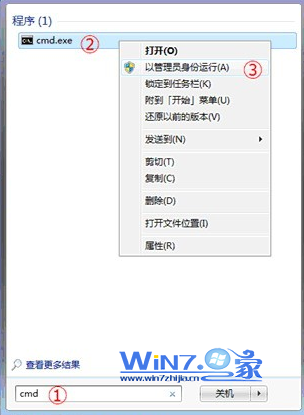
以管理員身分開啟「執行」(Win+R),輸入:
regsvr32 gdiplus.dll
彈出「DllRegisterServer 成功」即完成修復。
若上述無效,建議:
sfc /scannow 修復系統檔案;