聯想 Yoga 在 Win8 Metro 介面開啟 IE10 閃退,經驗證透過「開啟或關閉 Windows 功能」關閉 IE10、重開機、再啟用 IE10 可修復。
修復步驟
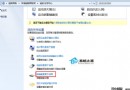
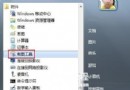
- Win+X → 控制台面板 → 程式 → 程式和功能。
- 左側 開啟或關閉 Windows 功能。
- 取消勾選 Internet Explorer 10 → 確定 → 重新開機。
- 重複上述步驟,勾選 Internet Explorer 10 → 確定 → 重新開機。
- Metro IE10 應正常啟動不再閃退。
原理推測
IE10 元件註冊或快取損毀,關閉功能會移除元件註冊,重新啟用觸發完整重新註冊與快取重建。
替代方案
- 以系統管理員執行
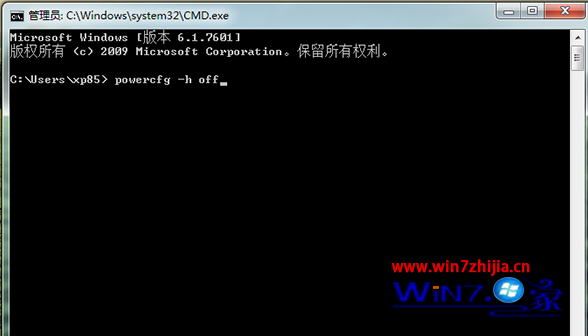
sfc /scannow 修復系統檔案。
- 重設 IE 進階設定:網際網路選項 → 進階 → 重設。